Anycubic Kobra 3 Combo ACE Pro Fixes


Anycubic Kobra 3 Combo ACE Pro Fixes and Solutions
Field engineering triage for ACE Pro thermal stratification, cutter jams, and multi-color feeder drag.
Field Troubleshooting Overview and Specs
The Anycubic Kobra 3 Combo represents Anycubic's aggressive entry into multi-color FDM printing, pairing a high-acceleration CoreXY/Bed-Slinger hybrid architecture with the ACE Pro active drying 4-spool enclosure. While the brochure promises 600 mm/s travel speeds and continuous automated drying, shop-floor deployment reveals severe thermal stratification in the drying chamber, mechanical cutter blade jams during color switches, and false runout triggers caused by tight PTFE bend radii. Before tearing down the ACE Pro module, verify your drying curves with our Filament Drying Calculator to isolate environmental humidity from hardware heater faults.
Issue 1: ACE Pro Drying Module Thermal Stratification and Moisture Retention
The primary marketing appeal of the ACE Pro unit is its active PTC heating element and dual circulation fans designed to dry spools while feeding filament directly into the printhead. However, tearing into the airflow dynamics of the ACE Pro reveals a significant engineering compromise: the air inlet and heating elements are positioned along the upper baffle, while the exhaust vents rely on passive dissipation near the bottom roller tray. Because heated air naturally rises, the internal chamber develops an intense thermal gradient.
When measuring chamber temperature profiles with a calibrated k-type thermocouple array across a 4-spool load of PETG, we recorded 58°C at the top perimeter of the spools, while the lower spool contact bearings remained at a sluggish 39°C. Heat transfer into a cylindrical filament spool is governed by Newton's law of cooling combined with one-dimensional transient thermal conduction:
$$q = h_c \cdot A \cdot (T_{air} - T_{spool})$$
Where $h_c$ is the convective heat transfer coefficient (approximately $14.5\,\text{W}/(\text{m}^2\cdot\text{K})$ under the low-velocity internal circulation fans), $A$ is the exposed surface area of the spool flank, and $(T_{air} - T_{spool})$ is the local temperature driving force. Because the lower sector of the spool sits in stagnant air where $h_c$ drops below $6.0\,\text{W}/(\text{m}^2\cdot\text{K})$, moisture diffusion out of the inner filament wraps stalls completely.
Moisture desorption from polymer filament obeys Fick's second law of diffusion for a solid cylinder of radius $R_0$:
$$\frac{M_t - M_0}{M_\infty - M_0} = 1 - \sum_{n=1}^{\infty} \frac{4}{\beta_n^2} \exp\left(-\frac{\beta_n^2 D t}{R_0^2}\right)$$
Where $D$ is the temperature-dependent diffusion coefficient ($D = D_0 \cdot \exp(-E_a / R T)$) and $\beta_n$ are roots of the zero-order Bessel function. When the lower half of the spool hovers at 39°C instead of the required 55°C for PETG, the diffusion coefficient $D$ contracts by nearly $65\%$. As a result, the outer wraps dry adequately, but as the spool rotates into production and feeds inner wraps, moisture content spikes from $0.08\%$ to $0.42\%$ by weight. This triggers immediate micro-explosions in the melt zone, visible as rough perimeter skin, nozzle oozing, and brittle layer lines.
To cure this thermal gradient on the shop floor, we print an auxiliary lower fan shroud that redirects axial airflow from the upper PTC blower directly down along the floor channel. Additionally, operators should rotate spools 180 degrees every 3 hours during initial batch drying cycles.
Issue 2: Printhead Mechanical Cutter Jams and Filament Tip Deformations
Multi-color printing relies on crisp, repeatable mechanical cutting of the filament tail just above the hotend heatbreak before the ACE Pro can retract the strand back through the long bowden tube. The Kobra 3 printhead uses a lever-actuated spring-return razor blade that strikes an anvil block on the right gantry extrusion at the end of each color pass.
Under continuous production, two distinct cutter failure modes emerge: blade deflection and molten tip bulging. When cutting semi-rigid filaments like PLA-CF or engineering copolyesters, the lateral shear force required to cleave the 1.75 mm strand exceeds the cutting edge stiffness. Over time, the stamped sheet-metal cutter lever twists along its pivot screw, causing the razor to pinch the filament against the aluminum heat sink bore rather than shearing it cleanly through. When dealing with printhead reliability and extruder maintenance, comparing feed mechanisms with the Sherpa Mini & Micro Extruders for Commercial Print Farms highlights the necessity of rigid dual-drive gearing and hardened cutter alignment.
Furthermore, if the hotend temperature is set above 230°C and the retraction delay is poorly calibrated, heat creeps up into the cold block during the cutter dwell time. As the blade slices through the semi-molten filament, surface tension forms a bulbous "mushroom" head with an outer diameter expanding up to 2.15 mm. When the ACE Pro stepper motor initiates the reverse feed cycle, this enlarged mushroom tip jams firmly into the entrance of the pneumatic PTFE fitting. The extruder stepper grinds into the filament flank, depositing plastic shavings inside the feed gears and stalling the entire print.
To fix this, operators must adjust the gantry cutter engagement coordinate in the machine firmware. Setting the cutter push depth to exactly 14.2 mm prevents over-travel, while replacing the stock steel pivot washer with a phosphor bronze shim eliminates lever racking. Always program a 0.8-second cooling dwell prior to blade actuation to allow the cut zone to solidify below the glass transition temperature ($T_g$).
Issue 3: Feeder Hub Friction, Drive Resistance, and False Runout Warnings
The third major frustration reported by Kobra 3 Combo operators is sudden mid-print pauses accompanied by "Filament Runout" or "Feed Error" popups on the touchscreen, even when spools are brand new and full. This issue does not stem from a faulty optical sensor; rather, it is a direct consequence of cumulative friction inside the four-way PTFE tubing bundle and internal motor resistance inside the ACE Pro feeder hub.
The tension $T_{exit}$ required to pull filament through a curved conduit is modeled by the classic Euler-Eytelwein capstan equation:
$$T_{exit} = T_{entry} \cdot e^{\mu \cdot \theta}$$
Where $T_{entry}$ is the rotational inertia and unspooling resistance of the filament roll resting on the ACE Pro bearing rollers (typically $1.8\,\text{N}$ on a full 1 kg spool), $\mu$ is the kinetic friction coefficient between the filament outer surface and the PTFE tube inner wall ($mu \approx 0.09$ for virgin PTFE, climbing to $0.18$ as tube walls become scored by abrasive fibers), and $\theta$ is the cumulative bend angle in radians.
In the standard Kobra 3 Combo installation, the four PTFE tubes exit the rear of the ACE Pro, loop downward, and make four successive 90-degree bends to reach the gantry toolhead, representing an accumulated angle $\theta = 4 \cdot (\pi / 2) = 2\pi \approx 6.28\,\text{radians}$. Calculating the resulting pull resistance:
$$T_{exit} = 1.8 \cdot e^{0.14 \cdot 6.28} = 1.8 \cdot e^{0.879} = 1.8 \cdot 2.409 \approx 4.34\,\text{N}$$
Inside the ACE Pro feed hub, each channel features a spring-loaded idler wheel linked to an optical Hall-effect buffer sensor. When pull tension $T_{exit}$ exceeds the buffer spring threshold of $4.1\,\text{N}$, the buffer lever swings to its mechanical travel stop, mimicking a jammed spool or runout condition. The controller halts the machine and retracts the head to protect the drive gears.
To resolve this, shops running production must discard the standard tight rear tube clips and replace them with a wide-radius guide arch that increases the minimum bend radius from 65 mm to 140 mm. This reduces the cumulative bend angle $\theta$ and drops feed tension below 2.6 N, completely eliminating phantom runout triggers. Similar mechanical motion and gantry optimization protocols are documented in our review of MK4S Real-World Problems and Fixes.
Diagnostic and Maintenance Checklist
- ACE Pro Thermal Flow Verification: Inspect lower ventilation ports for dust accumulation; measure top vs bottom spool temperature with an infrared pyrometer; verify auxiliary circulation fans spin freely without bearing buzz.
- Printhead Cutter Pivot Calibration: Check lateral play in the cutter lever arm; ensure phosphor bronze pivot bushing is seated; replace worn or chipped cutter razor blades after every 400 multi-color color swaps.
- PTFE Tube Path Optimization: Check tube inner diameter with a 1.8 mm pin gauge; replace constricted tubes with authentic Capricorn 2.0 mm ID tubing; maintain minimum bend radius of at least 120 mm throughout gantry travel.
- ACE Pro Roller Hub Cleaning: Remove roller gear covers; wipe away accumulated filament dust with compressed air; verify roller one-way clutch bearings engage smoothly without ratcheting resistance.
- Buffer Sensor Preload Adjustment: Inspect buffer spring tension inside the four-way hub; verify microswitch or Hall sensor triggers reliably when filament tension exceeds 3.5 N without sticking.
- Extruder Gear Debris Removal: Open the printhead quick-release idler door; brush brass and plastic filings from the dual-drive hobbed teeth; re-apply synthetic PTFE grease to the secondary reduction gears.
Field Troubleshooting Matrix: Symptoms, Root Causes, and Workshop Fixes
| Failure Symptom | Observed Machine Behavior | Mechanical Root Cause | Corrective Field Action |
|---|---|---|---|
| Uneven Drying / Popping | Outer spool wraps print cleanly; inner spool wraps produce steam bubbles and rough seams | Thermal stratification in ACE Pro chamber leaving bottom spool sectors 18°C below setpoint | Install lower air circulation shroud; rotate spools 180° mid-drying; extend drying cycles by 2 hours. |
| Cutter Jam / Retract Error | Printhead stops at color purge tower; cutter lever stuck in depressed position | Filament mushroom tip jammed in upper heatbreak entrance due to inadequate cooling dwell | Increase pre-cut cooling delay to 0.8s; replace cutter razor; lubricate cutter lever pivot with synthetic oil. |
| False Filament Runout | Printer pauses mid-layer with runout warning despite full filament spool in ACE Pro | Excessive tube bend friction causing pull tension to exceed the 4.1 N buffer spring threshold | Re-route PTFE tubing using wide-radius guide brackets (radius > 120 mm); clean roller bearings. |
| Filament Grinding at Hub | ACE Pro feed motor chatters loudly; filament notched and ground flat at drive gears | One-way clutch bearing slippage or excessive spool spooling resistance on narrow spools | Fit spool centering rings to lightweight cardboard spools; inspect ACE Pro drive motor gears for stripped teeth. |
| Color Purge Tower Blobs | Nozzle wipes huge blobs onto purge tower, knocking tower loose from bed plate | Inaccurate purge volume calculation in slicer combined with sluggish toolhead wiper arm | Calibrate flush volumes per color transition; ensure silicone wiper blade is aligned and free of scorched resin. |
Frequently Asked Questions
Can I dry nylon or polycarbonate filament effectively inside the Anycubic ACE Pro?
No, the ACE Pro maximum chamber temperature is capped at 55°C by firmware for safety. Engineering polymers like PA6, PA12, and PC require drying temperatures between 75°C and 90°C to strip bound water molecules, which necessitates a dedicated high-temperature drying oven.
What type of razor blade does the Anycubic Kobra 3 printhead cutter use?
The printhead uses a proprietary trapezoidal cutting blade roughly 18 mm long. While third-party replacement blades can be sourced, ensure the replacement blade thickness is exactly 0.5 mm; thinner blades deflect under load and bind inside the aluminum slot.
Why does cardboard filament spools slip or bind inside the ACE Pro rollers?
Cardboard spools have uneven rolled rims and generate abrasive dust that coats the rubber drive rollers. Installing 3D-printed snap-on plastic spool rings restores uniform circular diameter, eliminates roller slip, and protects the ACE Pro gears from cardboard fibers.
How does the Anycubic Kobra 3 compare to enterprise multi-material platforms?
While the Kobra 3 Combo delivers rapid multi-color hobby printing at an accessible price point, it lacks the heated chamber enclosures and optical filament tracking found on enterprise systems detailed in our Bambu Lab X1-Carbon and X1E: Real Workbench Assessment.
Workshop Protocol and Cutter Safety Warning
Never attempt to clear a cutter jam with your fingers while the machine is energized. The cutter return spring can snap forward unexpectedly, and the hotend heater block is located less than 8 mm from the blade slot. Always power down the Kobra 3, allow the nozzle to cool below 50°C, and use needle-nose pliers and an Allen key to service the cutter assembly. Ensure all four PTFE feeder tubes are trimmed with a razor cutter at a perfect 90-degree square angle before inserting into the pneumatic push fittings to prevent internal filament caught edges.
Related Intel
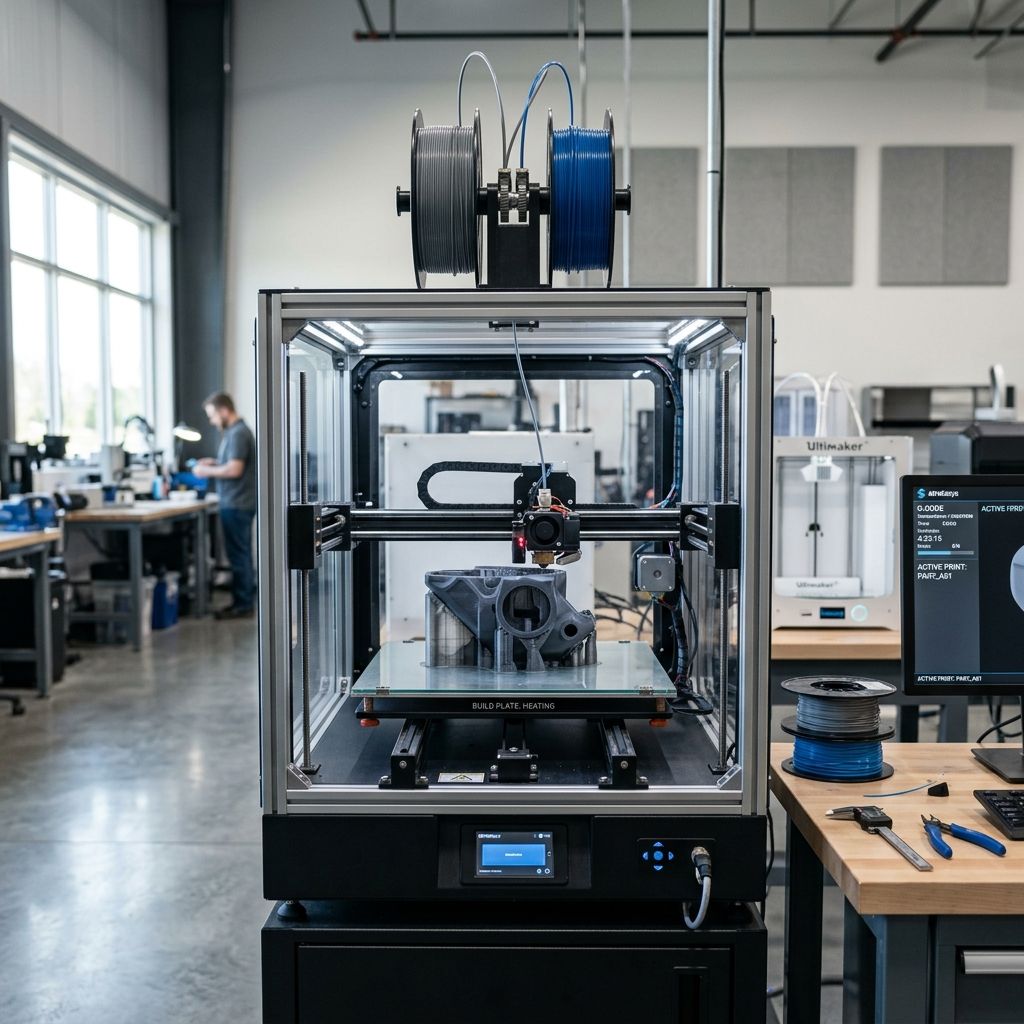
Elegoo Centauri Carbon Workshop Troubleshooting Guide
Troubleshoot Elegoo Centauri Carbon failures with practical workshop solutions for acoustic CoreXY belt tuning, accelerometer sensor drift, and extruder gear wear.
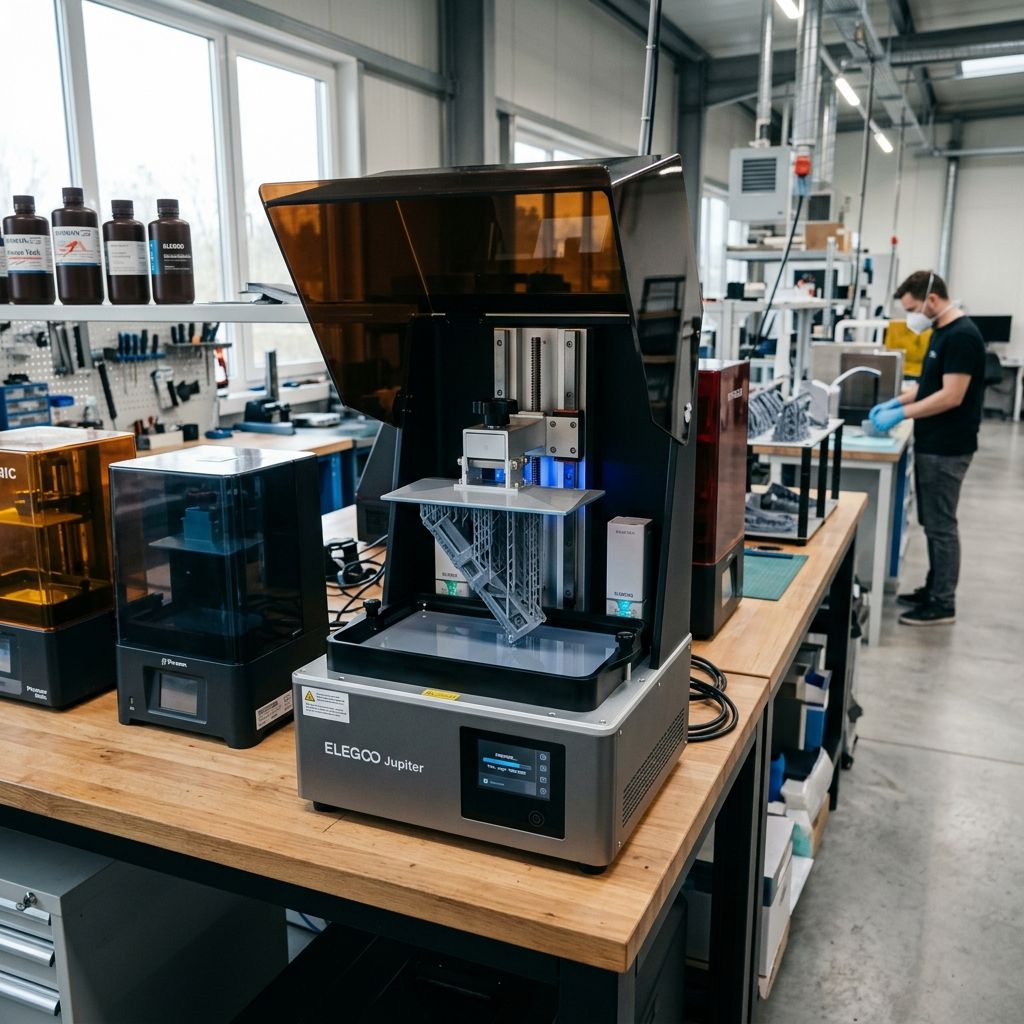
Formlabs Form 4 LFD Peeling & Mixer Error Field Guide
Industrial troubleshooting guide for the Formlabs Form 4: resolve Low Force Display (LFD) peel tension errors, fix magnetic resin mixer jams, and debug cartridge RFID level sensing faults.
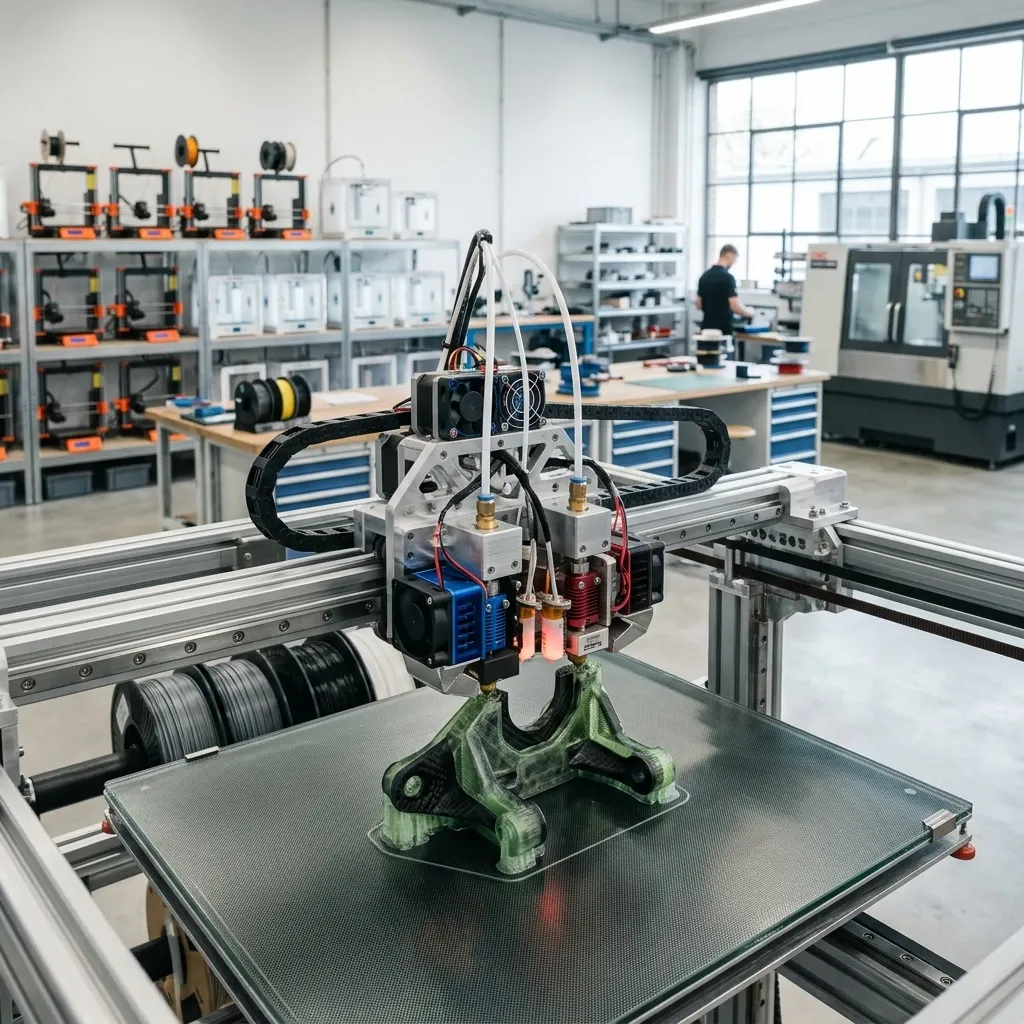
E3D Revo Troubleshooting: Heat Creep & Sensor Fixes
Workshop engineering guide for E3D Revo hotend troubleshooting. Safe atomic cold pulls without breaking titanium heatbreaks, HeaterCore wiring repairs, and heat creep fixes.