ArmorPaint Buying and Comparison Guide


ArmorPaint Buying and Comparison Guide
Engineering breakdown of node-based PBR painting, raytraced GPU baking, and studio cost efficiency.
Market Position and Architectural Overview
ArmorPaint occupies a unique position in the digital fabrication and visualization pipeline: an open-core, standalone 3D Physically Based Rendering (PBR) texture painting application engineered in C and D, running on the low-level Krom graphics engine. While Adobe Substance 3D Painter has locked commercial studios into perpetual SaaS subscriptions, ArmorPaint provides native Direct3D12 and Vulkan hardware-accelerated raytracing on a one-time perpetual purchase model or free self-compilation. If your shop is modeling structural CAD assemblies in tools like Solid Edge Community Edition: Shop-Floor Modeling Guide, introducing ArmorPaint provides instantaneous photorealistic surfacing without recurring operational overhead.
The True Cost of Surfacing: ArmorPaint vs The Subscription Trap
In mid-sized industrial design consultancies and fabrication job shops, software licensing quietly eats into operating margins. Adobe Substance 3D Painter remains the undisputed industry standard for film and AAA games, but for industrial product visualization, additive manufacturing prototypes, and architectural machinery mockups, paying between $240 and $600 per seat every single year is difficult to justify. Many makers attempt to texture in Blender's viewport, only to run into single-threaded baking bottlenecks, sluggish viewport performance on multi-million polygon meshes, and an awkward layer workflow that does not mimic industrial paint booths.
ArmorPaint disrupts this equation by delivering a direct executable that runs without cloud activation, telemetry daemons, or licensing servers. Its memory footprint is less than 30 megabytes on disk, and it launches in under three seconds on a modern workstation. It operates entirely on the GPU, using a procedural node editor that mirrors how technical shaders are constructed in game engines and rendering engines like Unreal Engine and CryEngine.
To quantify the financial decision of deploying ArmorPaint across a small design studio, we calculate the investment payback period using the capitalization equation:
$$ROI_{payback} = \frac{C_{seat} + (T_{ramp} \cdot W_{hourly})}{\left(S_{annual} - C_{maintenance}\right) / 12}$$
Where $C_{seat}$ is the upfront license cost (€19 / ~$20 for ArmorPaint or $0 if compiled from source via Git), $T_{ramp}$ is the technician training hours required to master the node-based workflow (typically 12 hours for a CAD designer), $W_{hourly}$ is the shop billing rate ($65/hour), $S_{annual}$ is the displaced commercial subscription cost ($240/year per basic seat or $599/year for Substance 3D Collection), and $C_{maintenance}$ represents internal IT support overhead ($25/year). Substituting standard studio numbers:
$$ROI_{payback} = \frac{20 + (12 \cdot 65)}{\left(599 - 25\right) / 12} = \frac{20 + 780}{574 / 12} = \frac{800}{47.83} \approx 16.7\,\text{months}$$
For a four-station design department, shifting secondary texturing seats from subscription models to ArmorPaint returns more than $1,800 in direct cash savings annually after year two, while completely insulating the company from license audits and sudden subscription tier price hikes.
Engine Architecture: Direct3D 12, Vulkan, and Node-Based Shading
Most commercial graphics programs are bloated with legacy OpenGL code and monolithic UI frameworks like Qt. ArmorPaint takes a radical architectural departure. It is built on Krom, a lightweight V8/Kha-based runtime that talks directly to modern low-level graphics APIs: Direct3D 12 on Windows, Vulkan on Linux, and Metal on macOS.
Because the viewport utilizes hardware-accelerated raytracing pipelines (DXR and Vulkan RT), ambient occlusion, subsurface scattering, and specular reflections are computed in real time directly on the GPU raytracing cores (RT cores on Nvidia RTX, Ray Accelerators on AMD RDNA2/3). When an industrial designer applies an anodized aluminum procedural smart material to an enclosure mesh, there is no waiting for an offline Iray progressive render to resolve noise. You see the true fresnel reflectance, micro-roughness scattering, and metallic clear-coat response dynamically at 60 frames per second.
The material architecture is strictly node-based. Instead of static pixel layers, ArmorPaint stores materials as directed acyclic shader graphs. Each node—whether a Perlin noise generator, curvature sampler, slope detector, or color ramp—compiles into a specialized GPU compute shader. This enables procedural weathering: edges automatically accumulate paint chipping based on the model's geometric curvature, while recessed crevices collect simulated oil residue and dust without manually painting masks.
VRAM Allocation and GPU Bandwidth Bottlenecks at 4K and 8K
While ArmorPaint delivers blistering performance on medium assets, pushing it to industrial scales requires a realistic understanding of GPU video memory (VRAM) physics. Because ArmorPaint evaluates shaders and textures directly on the GPU without intermediate disk-caching proxies, multi-layer texture sets consume massive video memory.
A standard PBR metallic-roughness texture set consists of five primary 2D image maps: Base Color (RGB), Roughness (Grayscale), Metallic (Grayscale), Normal (RGB vector), and Occlusion/Displacement (Grayscale). In high-precision industrial workflows, these maps are generated in 16-bit or 32-bit floating-point precision to avoid visible quantization banding on curved injection-molded surfaces. The uncompressed GPU memory footprint for a multi-channel, multi-layer material stack is calculated as:
$$VRAM_{PBR} = N_{channels} \cdot W \cdot H \cdot B_{depth} \cdot (1 + M_{mip}) \cdot N_{layers}$$
Where $N_{channels} = 5$, $W$ and $H$ are texture dimensions ($4096 \times 4096$ for 4K), $B_{depth} = 4\,\text{bytes}$ per channel for 32-bit float or 16-bit packed textures, $M_{mip} = 0.333$ for mipmap hierarchies, and $N_{layers}$ represents the active painting layers. For a production-ready assembly textured across 8 distinct layers at 4K resolution:
$$VRAM_{PBR} = 5 \cdot 4096 \cdot 4096 \cdot 4 \cdot 1.333 \cdot 8 \approx 3.58\,\text{GB}$$
Add the mesh geometry buffers, 32-bit depth buffers, and hardware raytracing Bounding Volume Hierarchy (BVH) acceleration structures ($~1.2\,\text{GB}$), and the baseline requirement for a single 4K texture set is roughly 5.0 GB of allocated VRAM. If your workstation attempts to switch the project to 8K resolution ($8192 \times 8192$), memory scaling is quadratic ($4\times$). The memory footprint explodes to over 16.5 GB. On a common 8 GB GPU (such as an RTX 4060), the GPU driver is forced to swap allocations into system DDR RAM across the PCIe bus, degrading viewport framerates from 60 FPS to 1.5 FPS and causing sporadic driver crashes.
Workflow Integration: CAD to Slicing and Real-Time Engines
In practical workshop applications, texturing is not an isolated art project; it must feed downstream manufacturing or customer-facing visualization. When exporting textured models destined for full-color polymer 3D printing or client review kiosks, ArmorPaint handles direct export of GLTF/GLB files with embedded PBR materials.
However, importing CAD geometry into ArmorPaint requires rigorous preparation. Direct STEP or IGES files cannot be painted directly; they must first be tessellated into polygonal meshes with clean UV coordinate maps. When meshing mechanical parts in CAD, dense planar faces with long, slivered triangles create severe interpolation artifacts during normal map baking. You must ensure consistent topology before unwrapping. When transitioning parts toward full-scale production slicing, troubleshooting meshes against common slicing defects—such as those covered in our guide on Common Cura Slicing Errors: Missing Layers and Retraction Blobs—ensures that the underlying triangulated geometry maintains structural manifoldness.
Furthermore, when validating continuous-fiber reinforced designs in high-end additive slicing platforms like Markforged Eiger Troubleshooting: Onyx, CFR, Nylon, having accurate high-resolution texture representations of internal fiber routing and surface resin gloss allows design engineering teams to catch cosmetic split lines and toolpath blemishes before queuing expensive machine runs.
Technical Specifications and Competitive Comparison
| Feature Specification | ArmorPaint (v1.0 RC) | Substance 3D Painter | Blender Texture Paint | Quixel Mixer |
|---|---|---|---|---|
| Licensing Structure | Perpetual (€19) or Free Source | Monthly SaaS ($20–$50/mo) | Free Open Source (GPL) | Free for Unreal (Restricted) |
| Graphics API Backend | Direct3D 12, Vulkan, Metal | Direct3D 11 / 12, OpenGL | OpenGL / Vulkan (WIP) | Direct3D 11 |
| Hardware Raytracing | Native DXR / Vulkan RT | Hybrid DXR (Viewport Bake) | Cycles (Offline Render Only) | No (Screen-Space Only) |
| Max Texture Resolution | 16K (GPU VRAM Dependent) | 8K (16K with UDIM) | Unlimited (RAM Dependent) | 8K Max |
| Procedural Smart Materials | Full Node Graph Support | Substance Engine (.sbsar) | Shader Nodes (Not Layered) | Layer Mask Modifiers |
| UDIM Multi-Tile Workflow | Basic Support (Improving) | Industry Standard Full UDIM | Native UDIM Support | No Native UDIM Support |
| Installation Size | < 30 MB Executable | ~ 35 GB Suite Install | ~ 500 MB Suite Install | ~ 2.5 GB + Megascans Library |
Comprehensive Evaluation: Pros and Cons
- Pro: Exceptional Zero-SaaS Return on Investment: A one-time purchase or free source compilation eliminates thousands of dollars in recurring software subscriptions for production teams.
- Pro: True Hardware-Accelerated Raytracing Viewport: Instant feedback on metallic reflections, clear-coats, and contact shadowing powered by native DXR/Vulkan RT pipelines.
- Pro: Ultra-Lightweight Standalone Architecture: Under 30 MB footprint, zero installation bloat, and no cloud-dependent license managers or background telemetry tasks.
- Pro: Pure Node-Based Procedural Surfacing: Complete control over shader mathematics, procedural noise masks, and curvature-driven edge weathering algorithms.
- Con: Requires High-End Dedicated GPU Hardware: Because everything is evaluated on-chip in real time, systems with integrated GPUs or sub-6GB VRAM experience heavy slowdowns.
- Con: Ecosystem Maturity and Asset Library: Lacks the vast commercially available library of ready-made procedural .sbsar smart materials found in the Adobe ecosystem.
- Con: Steep Learning Curve for Non-Technical Artists: Designers accustomed to simple Photoshop-style 2D layer stacks may find pure nodal shader graphs intimidating at first.
Frequently Asked Questions
Can ArmorPaint run on laptops with integrated Intel or AMD graphics?
While ArmorPaint will boot on modern integrated graphics supporting Direct3D 12 or Vulkan, painting performance drops dramatically when working above 2K resolution. For professional workshop workflows, an Nvidia RTX or AMD Radeon card with at least 8 GB of dedicated VRAM is strongly recommended.
Can ArmorPaint directly read and paint native CAD solid files like STEP or IGES?
No, ArmorPaint requires polygonal boundary representations. You must first convert your solid models into OBJ, FBX, or GLTF mesh formats with unwrapped UV coordinates using a CAD tool or polygon editor before importing into ArmorPaint.
Does ArmorPaint support UDIM multi-tile UV layouts for high-resolution industrial assemblies?
ArmorPaint features functional UDIM tile import and multi-mesh texturing, allowing distinct texture sets across complex mechanical components. However, its brush stroke projection across tile boundaries is still developing compared to Adobe Substance Painter.
How does ArmorPaint handle texture map baking like Curvature and Normal maps?
ArmorPaint features a built-in GPU-accelerated baker that can compute Normal, Ambient Occlusion, Curvature, Material ID, and Height maps directly from a high-poly reference mesh onto a low-poly target in seconds using raytracing cores.
Studio Hardware and Driver Advisory
Before launching high-resolution texturing sessions in ArmorPaint, ensure your graphics drivers are updated to the latest Nvidia Studio or AMD Pro enterprise branches. Game-ready drivers frequently exhibit minor DXR shader compilation timeouts on complex procedural nodes. If your system triggers a TDR (Timeout Detection and Recovery) crash during 4K curvature baking, access the Windows Registry and increase the TdrDelay parameter from the default 2 seconds to 8 seconds to allow the GPU compute kernels sufficient calculation time without operating system interruption.
Related Intel
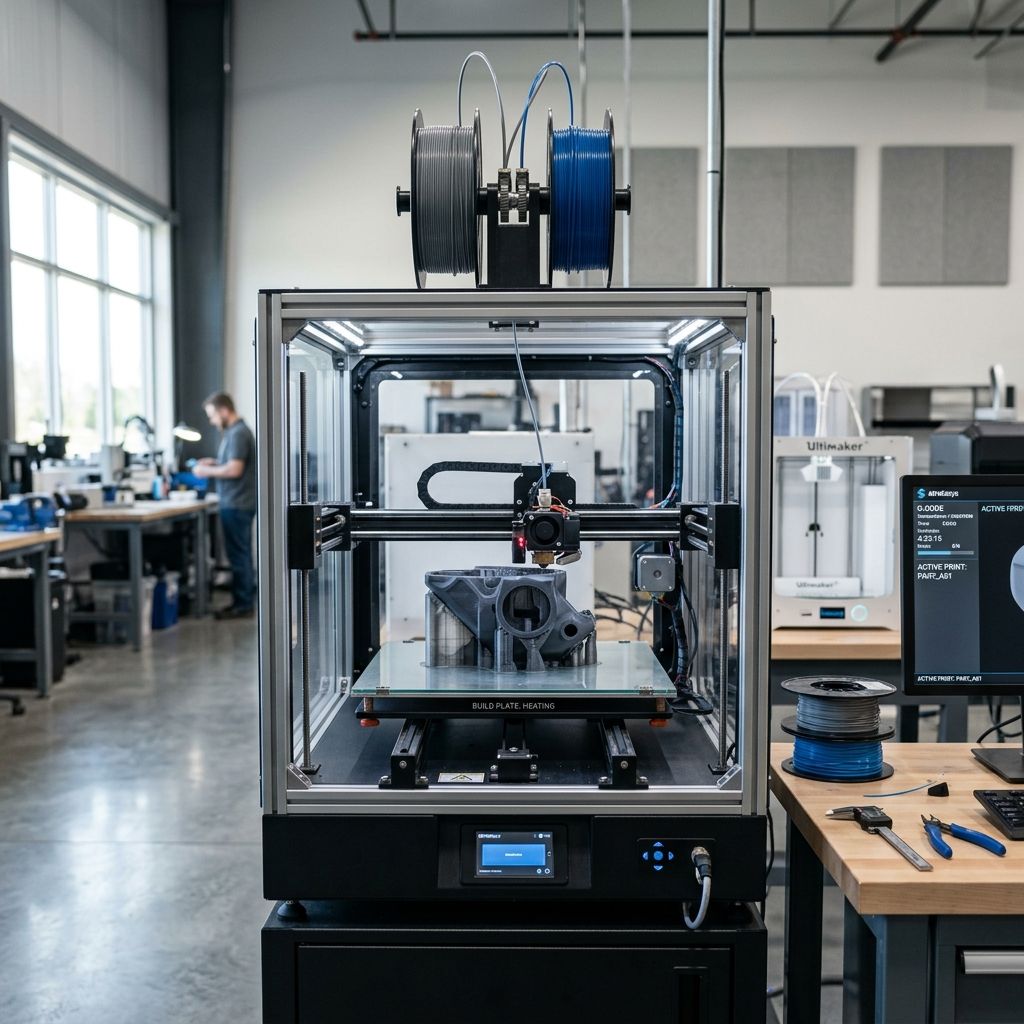
QIDI Plus 4 vs X-Max 3: Shop Comparison and ROI
The QIDI Plus 4 introduces a dual-heater 65°C chamber and 305x305x280mm volume, whereas the older X-Max 3 delivers a larger 325x325x315mm envelope but suffers from slower chamber ramp rates and bulkier gantry mass.
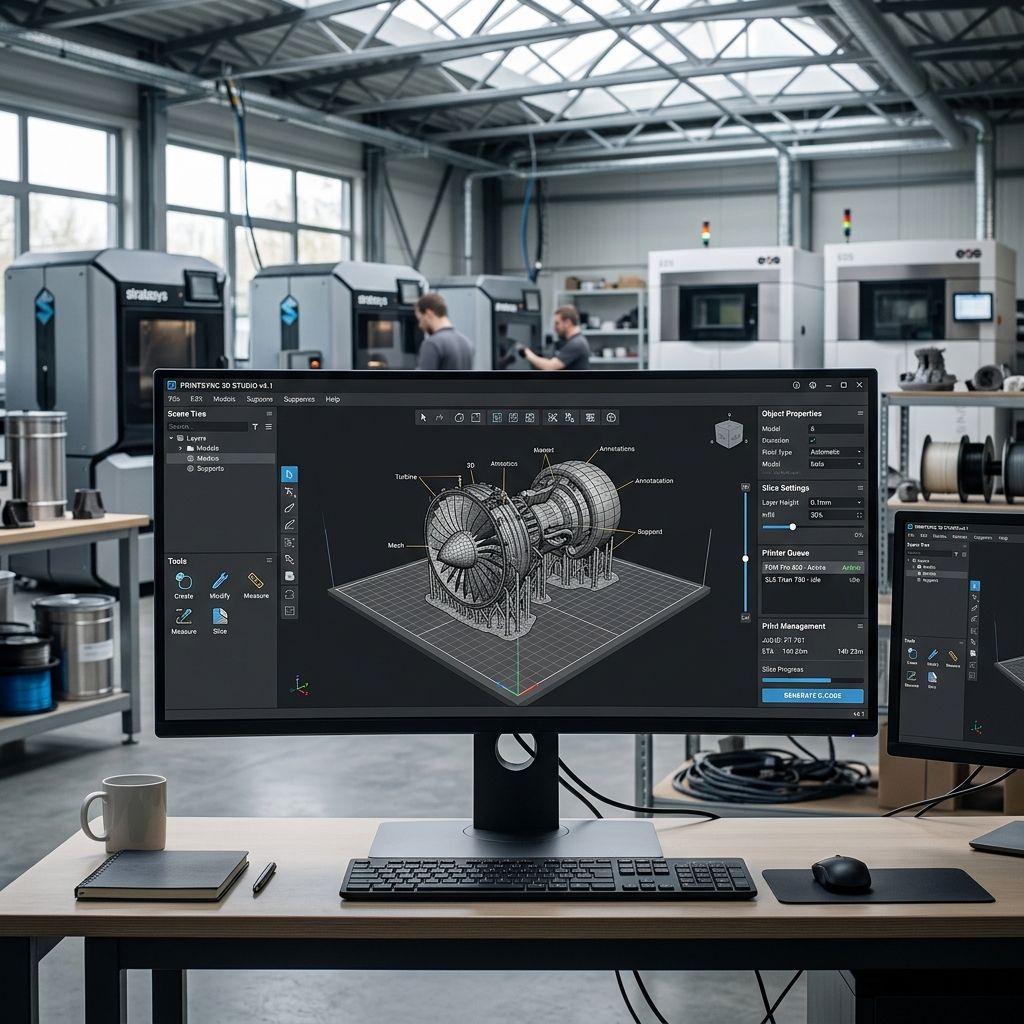
3DCoat for Engineers: Voxel Sculpting, Retopo, & Mesh Prep
3DCoat provides volume-based voxel sculpting and native Autopo retopology that repair corrupted 3D scan meshes and organic additive lattices faster than polygonal suites.
xTool M1 Ultra Buying Guide: Shop Floor Reality
An engineering evaluation of the xTool M1 Ultra 4-in-1 machine, assessing diode laser optics, drag-knife tolerances, inkjet reliability, and real workshop payback.