Fixing GKTwo 12K Thermal Stratification

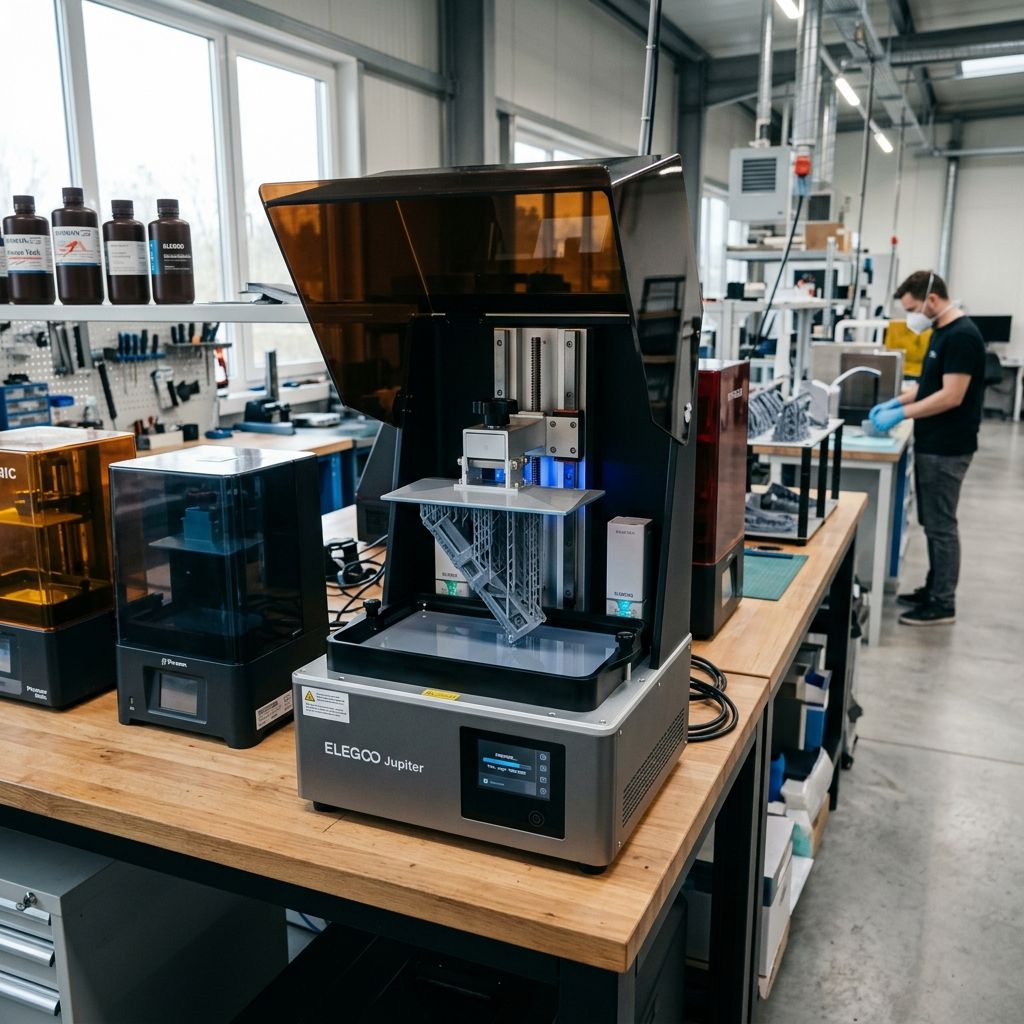
UniFormation GKTwo (12K) Field Log: Solving the Top 3 Shop-Floor Failures
An exhaustive, teardown-level analysis of thermal gradients, mechanical clamping slop, and optical degradation on the workbench.
GKTwo Technical Specifications & Tooling
This 10.3" monochrome LCD unit operates at a 12K resolution (11520 x 5120 pixels) with a 19 x 24 micron XY pixel pitch. Unlike typical MSLA machines, it integrates a PTC ceramic heating element and a quick-release build plate clamp. If you are tracking down systemic print defects across different platforms, run through our 3D Printer Troubleshooting Tool to narrow down mechanical vs. chemical variables on your shop floor.
The Realities of the 12K Bench Workhorse
On paper, the UniFormation GKTwo 12K is a dream for high-resolution engineering prints. The heated vat chamber means we can run high-viscosity engineering resins like BASF Ultracur3D or tough polyurethane-like formulas without external heat lamps. But after thousands of hours of duty cycle in a busy workshop, the marketing luster fades, and the physical realities of MSLA mechanics take over.
High-resolution LCDs have a lower UV light transmission rate due to the dense pixel masking. To compensate, the UV matrix underneath runs hot, and the internal ceramic heater has to work double-time. This creates a challenging thermal and mechanical environment. We have torn these machines down to the frame, replaced their LCDs, rebuilt their Z-axis leadscrews, and shimmed their quick-release clamps. Here is the unfiltered field reality of keeping the GKTwo 12K running in a production environment.
Failure 1: PTC Heater Thermal Stratification & Thermistor Drift
The GKTwo uses a positive temperature coefficient (PTC) ceramic heater located at the rear-right of the printing chamber. A small blower fan pushes heated air across the vat to maintain a nominal 35°C. In theory, this lowers resin viscosity to ensure clean flow back under the build plate during the lift cycle.
In practice, the system suffers from severe thermal stratification. The right side of the vat (directly in the path of the heater duct) can run up to 8°C hotter than the far left side. Because the system's thermistor is mounted near the heating element rather than inside the resin vat, the control board receives a falsely elevated temperature reading. The heater cycles off prematurely, leaving the left side of the vat cold.
The Physics of Resin Viscosity Failures
Photopolymer resin viscosity is highly temperature-dependent, adhering to an Arrhenius-like relationship:
η(T) = A · e^(E_a / (R · T))
Where:
- η (Eta) is the dynamic viscosity (Pa·s)
- T is the absolute temperature in Kelvin (K)
- E_a is the activation energy for viscous flow
- R is the universal gas constant
- A is a material-specific pre-exponential constant
Suppose you are running an engineering resin designed for 35°C with a viscosity of 300 cP. If the far left side of the vat is running at only 22°C due to poor heat distribution, the viscosity can swell to over 900 cP. During the peel and down-lift phases, this highly viscous resin cannot flow back under the build plate fast enough. This creates a localized vacuum, resulting in delamination, shear failure of fine supports, or "pancaking" on the FEP film on the left side of the build plate.
Field Fix & Pre-Heat Protocol
Do not trust the on-screen temperature readout to declare the machine "ready" the moment it hits target temp. Follow this warm-up routine:
- Set the target temperature to 38°C (slightly higher than your target printing temp).
- Allow the heater to run for 20 minutes before hitting start. This allows the heavy aluminum vat and build plate to absorb heat, acting as a thermal heatsink that normalizes the gradient.
- Manually stir the resin with an acetal spatula right before printing to mix the warm and cold pockets.
- If printing in a cold workshop (below 15°C ambient), insulate the flip-up acrylic hood with an external neoprene cover to prevent radiant heat loss.
Failure 2: Quick-Release Build Plate Clamping Slop
The GKTwo features a toolless flip-lock quick-release lever to secure the build plate to the Z-axis carriage. This is much faster than the standard four-screw or central-knob systems found on other printers, but it introduces a major mechanical wear point.
Over hundreds of prints, the steel latching pin wears against the anodized aluminum cam receiver. This galling action creates micro-slop. Even 0.05mm of play in this latch allows the build plate to tilt slightly under heavy suction forces. This causes localized compression errors on the first few layers and inconsistent dimensional accuracy along the Z-axis, which can look similar to the Z-axis banding seen in some FDM printing issues.
The Physics of Suction Peel Forces
When the printer lifts the build plate after curing a layer, it must overcome the suction force between the cured resin layer and the FEP film. This can be modeled using Stefan's Adhesion Equation for parallel plates:
F_suction = (3 · π · η · R^4) / (2 · h^3 · (dh/dt))
Where:
- η is the dynamic viscosity of the resin
- R is the radius of the printed layer cross-section
- h is the instantaneous distance between the plate and the FEP
- dh/dt is the lift velocity
Notice that suction force is proportional to the fourth power of the radius (R^4) and inversely proportional to the cube of the distance (h^3). On large, solid prints, the suction force can easily exceed 200 Newtons. If there is any slop in the quick-release cam, this force causes the build plate to shift upward during the lift, and then settle unevenly when it returns down. This ruins your calibrated zero-point.
CRITICAL TORQUE & WEAR CHECK: Examine the steel pin on your build plate receiver weekly. If you see silver, exposed aluminum shavings or feel any physical "play" when the lever is fully locked, your cam mechanism is worn out. You must shim the mating surface or replace the receiver bracket.
Step-by-Step Shimming of the Cam Lever
If you have slop in your build plate but cannot wait for a replacement bracket from UniFormation, you can perform this field repair:
- Clean the build plate bracket thoroughly with Isopropyl Alcohol (IPA) to remove all resin residue.
- Cut a tiny strip of brass shim stock (0.05mm to 0.1mm thickness) matching the width of the locking block mating surface.
- Apply a thin film of high-strength cyanoacrylate (Super Glue) to the shim and affix it to the flat wear-surface of the receiver block where the cam lever exerts force.
- Let it cure completely. Re-mount the build plate. The lever should close with firm, positive resistance, requiring moderate thumb pressure. There must be zero movement when you pull upward on the build plate handle.
- Re-calibrate your Z-axis zero point using the paper method after installing any shim.
Failure 3: 12K LCD Polarizer Degradation and Thermal Soak
The 10.3" 12K screen uses a highly dense pixel array. The individual thin-film transistors (TFTs) occupy a large portion of the physical screen area, limiting light transmission. To achieve reasonable curing times (e.g., 1.8 to 2.5 seconds per layer), the UV light engine underneath runs at a high intensity.
When you combine high UV output with a chamber heated to 35°C+, the LCD panel is subjected to continuous thermal and optical stress. The organic polarizing film laminated to the top of the LCD glass cannot survive this long-term. Over time, the heat and UV exposure break down the polymer chains in the polarizer, causing it to darken, bubble, or lose its polarization efficiency. This shows up on prints as uncured "mushy" patches, or areas that consistently fail to print altogether.
- Normal LCD Lifespan: 800 - 1,200 print hours (under 25°C ambient, no chamber heater)
- Heated Run Lifespan (35°C+): 400 - 600 print hours
- Failure Mode: Polarizer browning, micro-cracking, loss of UV blocking capability
- Diagnostic Tool: Clean vat exposure test (dry run over a blank sheet of paper)
Mitigating Thermal Degradation
To extend the life of your expensive 12K screen without sacrificing the benefits of the heated chamber, implement these slicer and hardware modifications:
- Reduce UV Power: If your firmware allows, or when using fast curing resins, reduce the UV light engine output to 80-90%. You can compensate by increasing exposure time by 0.2 seconds. This dramatically lowers the peak temperature of the LCD panel during exposures.
- Use "Rest Time" Settings: Do not rush the print. Set a "Rest Time Before Exposure" of 1.0 to 1.5 seconds. This not only allows the resin to settle completely, reducing dynamic force, but also gives the LCD a brief window to dissipate heat through the glass substrate.
- Keep the Bottom Fans Clean: The intake fans under the printer chassis blow cool air across the UV LED matrix heatsink. If these get dusty or blocked by workshop debris, the heat will conduct straight up into the LCD panel. Clear these filters monthly with compressed air.
Comprehensive Preventive Maintenance Protocol
To keep the GKTwo running in a multi-printer shop floor, we use a structured preventive maintenance schedule. This prevents unexpected downtime and ensures high dimensional yield.
| Frequency | Sub-Component | Task Description | Target Tolerance / Lubricant |
|---|---|---|---|
| Every 50 Hours | Vat Film (nFEP/PFA) | Inspect for clouding, micro-punctures, and tension loss. Clean with dry microfiber. | Tension to 150-170 Hz using an acoustic tuner. |
| Every 100 Hours | Z-Axis Ball Screw | Wipe clean with a lint-free cloth. Re-grease the ball nut and linear rails. | NLGI Grade 2 Lithium or PFPE synthetic grease. |
| Every 200 Hours | Air Filter Cartridge | Pull the rear carbon cartridge. Replace activated carbon pellets to maintain VOC absorption. | Acid-free, steam-activated virgin carbon. |
| Every 500 Hours | Opto-Isolator Limit Switch | Check the optical endstop for resin dust or oil film that causes Z-axis over-travel. | Clean with 99% IPA on a cotton swab. |
Adjusting Vat Film Tension
The GKTwo uses a proprietary metal ring design for its vat film, but you can still run into issues if the film is loose. If your film is too loose, the peel displacement will exceed your lift height. This means the cured layer never actually detaches from the FEP, causing a complete print failure.
When tensioning, tap the film lightly with a soft-tipped rod and use a spectrum analyzer app on your phone. Adjust the tensioning screws in an alternating pattern (like torqueing lug nuts on a wheel) until the resonant frequency reads between 150 Hz and 170 Hz. Do not over-tighten past 180 Hz, or you risk plastic deformation of the film, leading to premature tearing at the corners of the vat frame.
Troubleshooting Matrix: Symptom to Field Solution
Symptom: Z-Axis Screeching or Binding During Lift
- Root Cause: Resin contamination on the ball screw or misalignment of the linear guide rails.
- Field Check: Manually rotate the Z-axis coupler. Feel for notches or tight spots.
- Fix: Clean the threads thoroughly with a brass wire brush and mineral spirits. Re-lubricate with a PTFE-based dry film lubricant or high-load lithium grease. Do not use WD-40, as it strips the factory grease out of the ball nut assembly.
Symptom: Loss of Fine Detail / Spidery Webbing
- Root Cause: Over-exposure due to heat buildup or light scatter within the 12K screen.
- Field Check: Check the chamber temperature. If it is sitting above 38°C, the chemical reactivity of the resin increases dramatically, causing stray UV light to cure resin beyond the pixel boundaries.
- Fix: Lower the heater setpoint to 30°C. Reduce your exposure time in increments of 0.1 seconds. Ensure you are using high-quality models with correct geometries. For complex, hollow structures, resolve any setup errors using Common Meshmixer Mistakes and Fixes to ensure proper internal venting and avoid massive suction forces.
Symptom: Missing Layers or Split Prints (Delamination)
- Root Cause: Lift speed is too high for the current resin viscosity, or you are experiencing slicing errors.
- Field Check: Check if your slicing profile matches the actual resin temp. When transitioning from FDM to MSLA, it's common to miscalculate dynamic forces. For general slicing theory, reviewing Common Cura Slicing Errors: Missing Layers and Retraction Blobs can help you understand how slicing variables impact print integrity.
- Fix: Reduce your lift speed from 120 mm/min to 60-80 mm/min. Increase "Light-off Delay" or "Rest Time After Retract" to allow the fluid to stabilize before the UV light turns on.
Technical Alternatives: Upgrades and Field Hacks
If you run a production lab, you might find some features of the GKTwo restrictive. Here are two common field modifications we perform to make these machines more reliable in high-throughput environments.
Alternative 1: Replacing the Proprietary Carbon Filter
The rear-mounted carbon filter cartridges sold by UniFormation are expensive and have a short life before they stop absorbing VOCs. We bypass this by 3D printing an adapter duct that slips over the filter port. This connects directly to a 2-inch flexible hose routed to a central workshop extraction fan. This completely eliminates resin smell from the room and avoids the ongoing cost of proprietary replacement filters.
Alternative 2: Upgrading to Third-Party PFA/nFEP Films
UniFormation sells pre-framed film sheets, which are quick to install but cost more than raw sheets. You can buy bulk sheets of high-grade PFA (such as EPAX or Siraya Tech nFEP) and hand-mount them into the GKTwo's metal frame. It takes an extra 10 minutes of work with a hex key, but it cuts your consumable cost by more than half while offering better peel release characteristics than the stock film.
Frequently Asked Questions
Why does my GKTwo consistently fail prints on the far left side of the build plate?
This is caused by the thermal gradient from the right-side heater. The left side remains colder and the resin is more viscous, which prevents it from flowing under the build plate during lifts and leads to delamination.
How do I know if my 12K LCD screen is dying or if my resin exposure settings are just wrong?
Run a dry exposure test with a clean sheet of white paper laid directly over the LCD (with the vat removed). If you see dark spots, flickers, or uneven purple light across the screen, the polarizer or TFT matrix is physically degraded and the panel needs to be replaced.
Can I disable the internal heater of the GKTwo when printing in warm environments?
Yes. You can toggle the heater off directly from the touch screen interface. It is recommended to keep it off if your ambient workshop temperature is already above 26°C to prevent overheating the LCD panel.
SAFETY WARNING: Liquid photopolymer resin is a sensitizing agent. Direct skin contact can lead to permanent contact dermatitis. Always wear nitrile gloves (never latex, which degrades quickly in contact with MSLA monomers) when handling the build plate, vat, and parts. Dispose of contaminated solvents and wipes in accordance with local environmental regulations never pour resin down the drain.
Related Intel
Anycubic Photon Mono M7 Max and M5s Pro Review
An in-depth engineering review of Anycubic Photon Mono M7 Max and M5s Pro resin 3D printers, analyzing 14K optics, ACF peel physics, and Z-axis cantilever rigidity.
UniFormation GKTwo 12K Review and Comparison
The UniFormation GKTwo 12K combines a 29.7 µm 10.3-inch LCD with an integrated PTC vat heater and quick-release hardware, solving cold-resin failures in production workshops.
Common Elegoo Mars 5 and Mars 5 Ultra Issues
Learn how to fix common Elegoo Mars 5 and Mars 5 Ultra issues: tilt mechanism binding from resin contamination, force sensor leveling failures, and release film fatigue. Includes step-by-step rebuild workflows.