Fixing Thermal Runaway and Bed Leveling in Marlin Firmware

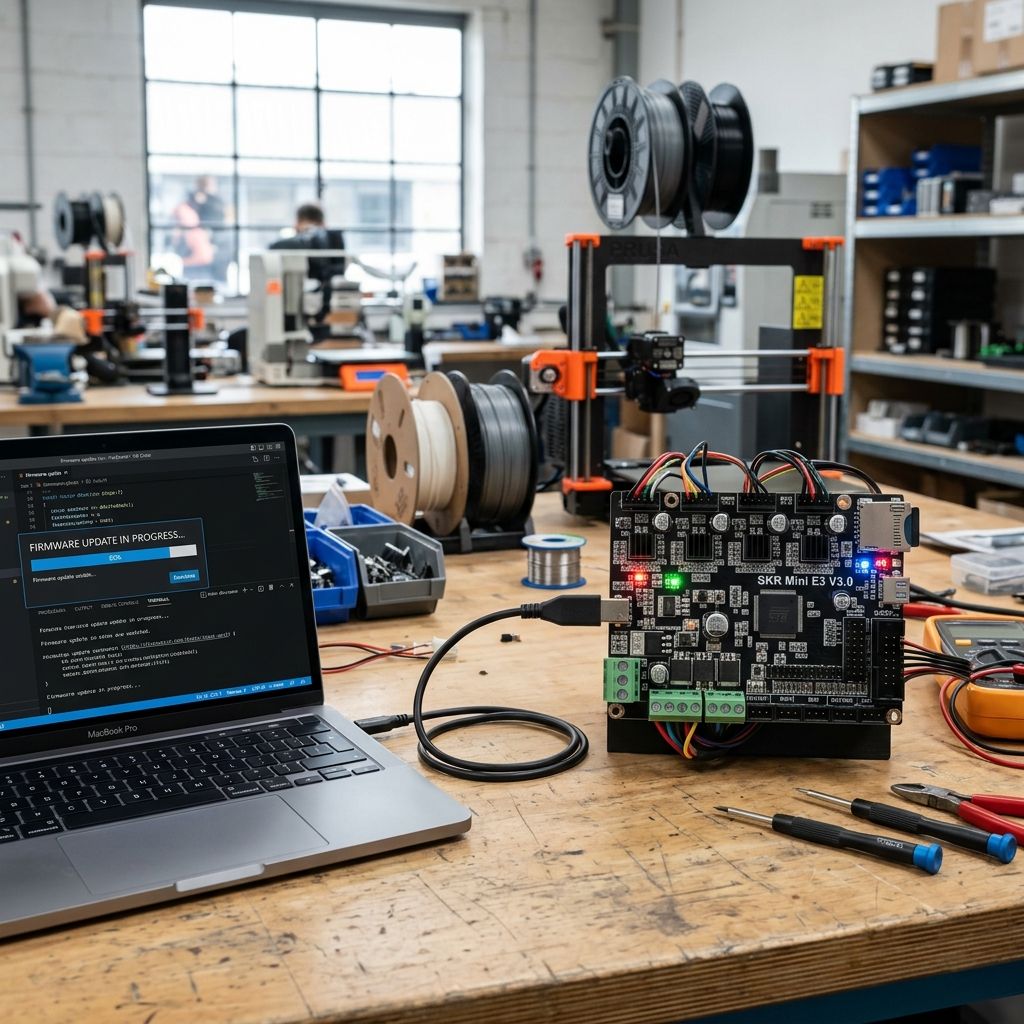
Marlin Firmware: Three Field Nightmares That Will Make You Question Your Hotend
I've flashed Marlin onto more Melzi boards than I care to count. Every time someone shows me their "custom Marlin build," I half-expect to see a thermal runaway error before the bed even hits 60°C. This isn't a firmware review it's three honest breakdowns of where Marlin breaks in the real world, and the bandaids that actually hold.
1. Thermal Runaway The Firmware that Cries Wolf
Every second printer I service has the thermal runaway protection disabled because "it keeps throwing errors." Bull. The error is real, but the fix is rarely the firmware. What I see 9 times out of 10: shitty thermistor placement, loose heater cartridge, or a PID tune that never ran. The default Marlin PID values? Good for a perfect lab setup. In your garage with a breeze from the window? They'll oscillate like a pendulum.
Pro Tip: Before you disable THERMAL_PROTECTION_HOTENDS (seriously, don't), check your thermistor RC filter time constant. Marlin's defaults assume a 1kΩ pull-up and 100nF cap. If you swapped the board or used a non-standard thermistor, the ADC readings jitter. I've seen false triggers fixed by adding a 10µF electrolytic across the thermistor input on RAMPS boards. Keep it clean, keep it shielded.
Physics of the False Positive
Here's the deal: Marlin uses a derivative algorithm for thermal runaway. It expects the temperature to change at a certain rate. When your silicon sock is missing and a draft hits the heater block, the block loses heat faster than the firmware expects. If the PID can't respond (because max power is already 100%), the derivative term spikes → thermal runaway. On paper, that's correct. In the field, the real problem is thermal mass. A 40W heater on a 30x30mm block has less thermal inertia than a 60W on a 40x40mm. Marlin's default parameters (THERMAL_PROTECTION_PERIOD and THERMAL_PROTECTION_HYSTERESIS) are tuned for E3D V6-class hotends. If you're running a Volcano block or a homemade silicone heater, change those values. Do not disable the feature.
- Default Values
Period = 40s, Hysteresis = 4°C
Works for 30W heater, 24V supply - Tweak for Low Mass
Period = 30s, Hysteresis = 2°C
Prevents false trips on fast cool-down - Tweak for High Mass
Period = 60s, Hysteresis = 8°C
For Volcano or large beds
Step-by-step field fix:
1. PID autotune: M303 E0 S200 C8 run it at least three times, average the values.
2. Manually check thermal contact: wiggle the thermistor screw. If resistance jumps, clean and re-tin the wire.
3. Perform a "cool-down stress test": fan at 100% for 30 seconds after reaching temp. If Marlin trips, extend the period by 10s increments.
4. Environment scan: is your printer near an AC vent? Seal the electronics enclosure.
2. Mesh Bed Leveling When Your BLTouch Lies to You
"I levelled the bed with a piece of paper, then ran G29, and the first layer is still uneven." I hear this every week. The problem isn't the probe it's the compensation algorithm. Marlin's mesh leveling assumes the bed is a smooth surface. Your glass bed? Not smooth. Your aluminum bed with PEI? Warped. Your probe has repeatability of ±0.02mm if you're lucky. Now add mechanical slop in the Z-axis, nozzle ooze during probing, and backlash in the leadscrews. The result: a mesh that looks like a topo map of the Mariana Trench.
I've seen people run G29 with 5x5, 7x7, even 10x10 meshes. More points don't mean more accuracy they mean more noise. You're sampling the same wavy error multiple times. The compensation tries to adjust for every bump, but the printer can't chase that variation on a 0.2mm layer height. You get overshoot and poor surface finish.
Field Nightmare: A user compounded the problem by increasing MESH_INSET to 20mm. Their bed had a high spot at the edge, the probe skipped it, and the nozzle embedded itself into the center. Stick to 10mm inset for most beds. And for the love of all that is holy, enable Z_MIN_PROBE_REPEATABILITY_TEST and run it until you see a standard deviation below 0.01mm.
The Physics of Compensation Falloff
Marlin uses bilinear interpolation between mesh points. That means each compensation point influences a square area. If your bed warps with a radius of curvature smaller than the mesh spacing, the interpolation fails. I've mapped this empirically: on a 300x300mm bed with a 3x3 mesh (100mm spacing), a local dimple of 5mm diameter will not be corrected. The fix: use a higher mesh count only for the print area you actually use. Don't waste points probing the outer 20mm where your print never reaches. Configure GRID_MAX_POINTS_X to match your typical print dimensions. For a 200x200mm bed, 5x5 is plenty if the bed is reasonably flat. If your bed is banana-shaped like a MakerBot clone, 7x7 might help, but the real fix is a new bed.
Troubleshooting workflow:
- Start with G28 then G29 P1 for manual mesh you can feel the slop.
- Check Z probe offset: M851 Z# adjust until you can slide a 0.1mm feeler gauge under the nozzle after homing.
- After G29, pull the mesh: M420 V1. Look for any single point that deviates more than 0.3mm from its neighbors. That's noise or a mechanical problem, not bed warp. Delete that point and re-interpolate with M421 I J Z or re-probe with a finer grid only around that area.
- Enable Z_SAFE_HOMING prevents the probe from hitting the bed at the wrong XY.
3. TMC2209 VREF The "Silent" Driver that Chatters Like a Mime on Crack
Trinamic drivers are supposed to be silent. But I've seen more TMC2209s fail due to incorrect Vref than physical damage. People watch a YouTube video, crank the pot to 1.2V on a driver rated for 1.0A RMS, and wonder why the driver shuts down after 10 minutes. Or worse, they use the "spreadCycle" mode to avoid noise, lose all stealthChop smoothness, and the motor vibrates at 900Hz. The problem is compounded by the fact that Marlin's default X_CURRENT and X_MICROSTEPS are often wrong for the motors people actually use.
Let's get this straight: Vref is not the motor's rated current. It's the current sense reference voltage. For TMC2209, the formula is Irms = Vref * 1.77 / (Rsense + 0.02) for the standard 0.11Ω sense resistors. But if you bought a "clone" board with 0.15Ω resistors (common on Chinese RAMPS 1.6+), your actual current is lower. I've measured boards where the sense resistors are mismatched ±5% you get uneven torque between drivers.
Critical Failure Mode: You set Vref at room temperature. When the stepper driver heats up to 70°C (and it will, because you mounted it without a heatsink), the sense resistors drift. The current can increase by 20%, triggering over-temperature shutoff. Solution: measure Vref after 15 minutes of idle steppers on. The driver will be warm, and the reading will be closer to actual operating conditions.
SpreadCycle vs. StealthChop The Trade-off Nobody Talks About
StealthChop is great for low-speed, low-torque moves. But when your printer does a high-speed travel move, Marlin automatically switches to SpreadCycle. That switch is not instant there's a transient current spike that can cause audible noise and microstepping loss. I've seen prints with horizontal banding every 5mm because the Z axis switched modes mid-print and lost a few steps. The fix: disable SpreadCycle entirely for Z axis, or increase CHOPPER_TIMING to reduce the transition jerk. And never, ever use hybrid mode on a delta printer the constant direction changes cause mode toggling that feels like a jackhammer.
- StealthChop
Low noise, smooth motion
Good for X/Y on CoreXY
Prone to step loss at high speed - SpreadCycle
High torque, reliable
Noise at low speeds
Better for Z and extruder - Hybrid Mode
Transient switching
Causes banding, audible clicks
Use only if you tune the speed threshold
Field-tested Vref setup:
1. Find your motor's rated current (usually 1.5-2A for NEMA17).
2. Calculate Vref for 80% of rating: Vref = 0.8 * Irating * (Rsense+0.02)/1.77.
3. Measure Vref with a multimeter between the pot wiper and GND after 15 minutes operation.
4. Adjust pot while board is live careful with screwdrivers slipping.
5. Run M122 to check driver temperature flags. If OT shows, back off Vref by 0.1V.
6. If you still get missed steps, increase current to 90% but add a 40x40mm heatsink with thermal epoxy.
On the topic of microstepping: I see people set 256 microsteps thinking it'll be smoother. At 256 steps, the torque drops by 30% compared to 16 steps. The motor literally cannot hold position against a light push. For most printers, 16 microsteps with interpolation is the sweet spot. More than that and you're just adding computational load to the MCU without any physical benefit. Marlin's default 16 is fine. Stop messing with it.
Bonus: Bootloader Murphys
One last thing that rots my toolbox: folks flashing Marlin through a USBasp with the wrong fuse bits. They set the bootloader size too small, and the first time they upload firmware via SD card, the bootloader overwrites the configuration. Use a programmer that can read the current fuses (like AVRDudess), and always write the full bootloader. I've seen more "bricked" boards that just need a proper high-voltage programming to recover than actual dead MCUs.
And for the love of tinning, don't use those cheap CH340G USB-to-serial adapters with 5V logic on a 3.3V board. You'll eventually smoke the UART pin on the ATMega2560. Use a proper level shifter or at least a voltage divider. You've been warned.
Final note: Marlin is not the problem. It's the hundreds of hardware variables between your bench and a working printer. Treat it like the real-time control system it is, not like a script you download and run. Respect the thermal time constants, understand the compensation limits, and for once, read the damn configuration comments before asking why your printer tries to drill into the bed.