Vectary vs Industrial 3D Modeling Suites: ROI Analysis

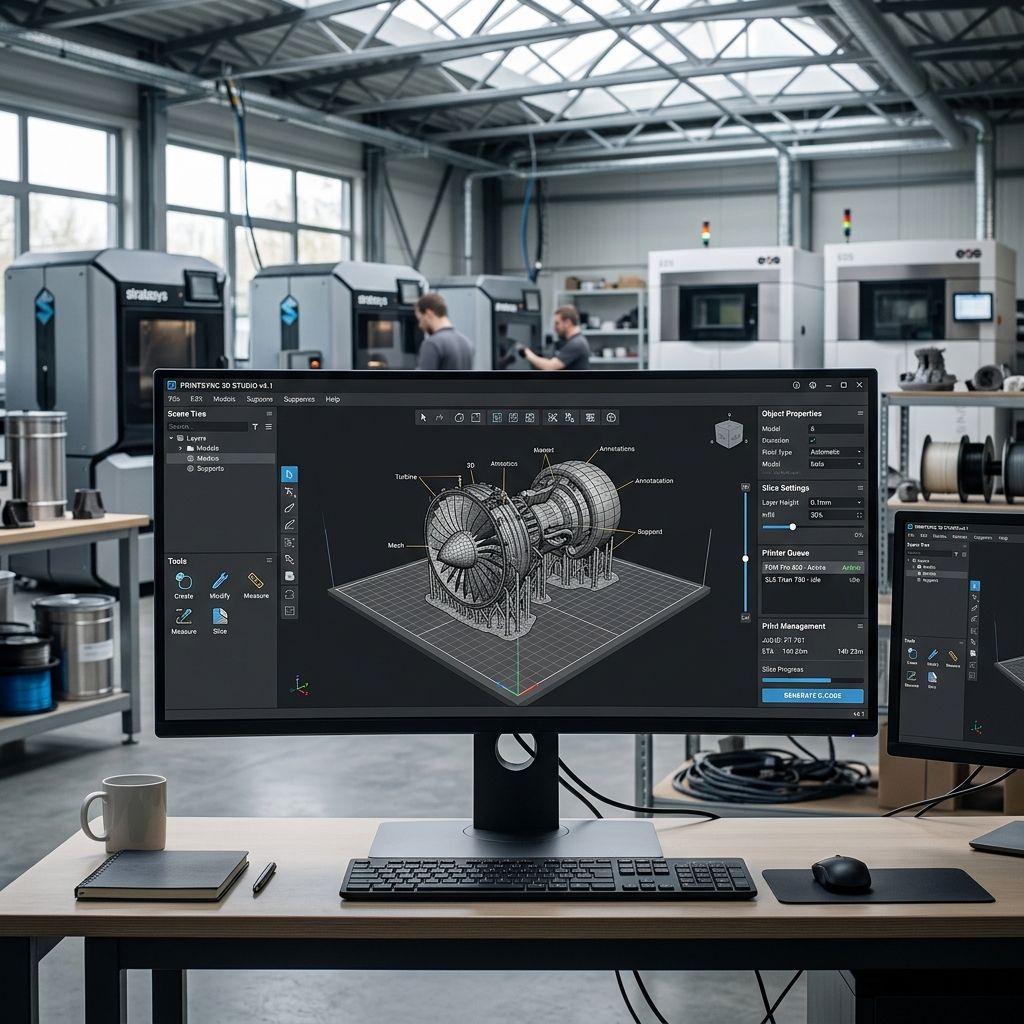
Vectary vs Industrial 3D Modeling Suites: Mechanical Realities and Production ROI
Browser-based polygon modeling promises frictionless WebGL staging, but industrial prototyping demands rigorous dimensional tolerances that cloud mesh tools struggle to satisfy.
Architectural Summary: Market Position and Workflow Boundaries
Vectary occupies an intersection between polygonal subdivision modeling, interactive WebGL configurators, and augmented reality staging. For industrial design studios pitching concepts to stakeholders, its real-time browser renderer eliminates local workstation rendering bottlenecks. However, when transitioning from conceptual aesthetic mockups to physical shop floor tooling, Vectary's polygon-first pipeline reveals fundamental geometric limitations. To determine if cloud subscriptions fit your prototyping capital expenditure, calculate your operational overhead using our Cost Calculator before migrating workshop assets.
Parametric B-Rep vs Polygonal Mesh: The Core Engineering Divide
The primary architectural distinction between Vectary and dedicated engineering suites lies in the underlying geometric kernel. Industrial mechanical software constructs models using Boundary Representation (B-rep), where analytical surfaces (planes, cylinders, tori) and Non-Uniform Rational B-Splines (NURBS) are defined by exact mathematical equations.
In contrast, Vectary operates primarily on discrete polygonal meshes: vertices, edges, and planar faces. While subdivision surfaces approximate smooth organic curvature, the model possesses no continuous analytic geometry. In a machine shop, this difference is binary. An engineer cannot drill an M6 tap hole into a polygonal mesh and expect a CNC post-processor to recognize the feature as a cylindrical bore. Post-processors interpret polygonal cylinders as dozens of segmented flat faces, generating faceted toolpaths that ruin bearing press-fits.
For shops handling complex organic meshes alongside functional mechanical geometry, specialized workflows are often required, as explored in our technical breakdown of 3DCoat for Engineers: Voxel Sculpting, Retopo, & Mesh Prep.
CAD Kernel Interoperability: Parasolid, ACIS, and OpenNURBS Translation Loss
Industrial design pipelines frequently rely on multi-stage software workflows, where initial conceptual forms pass from industrial design stylists to mechanical packaging engineers. When exchanging models between native B-rep engines (such as Parasolid in Siemens NX or SolidWorks, and Autodesk ShapeManager in Inventor or Fusion) and polygon platforms like Vectary, geometry undergoes irreversible discretization.
During STEP or IGES ingestion into a browser-based mesh platform, continuous mathematical boundary curves are evaluated at discrete intervals. If the tessellation algorithm utilizes single-precision 32-bit floating-point coordinates (standard in WebGL shader buffers) rather than the double-precision 64-bit math of desktop CAD kernels, spatial coordinates truncate past seven significant digits. In large-scale assemblies spanning over two meters, this mathematical rounding manifests as micro-gaps along parting lines, degenerate triangular slivers, and non-coincident vertex pairs that break dimensional chain stacks.
The Mathematics of Mesh Decimation and Memory Budgets in WebGL
Deploying interactive 3D assets on the web requires balancing visual fidelity against browser memory overhead. Vectary's WebGL engine stores vertex buffers in client GPU VRAM. The memory consumption \( M_{\text{VRAM}} \) for a triangulated mesh without compression is calculated using vertex attributes and triangle indexing:
$$M_{\text{VRAM}} = V \cdot \left( S_{\text{pos}} + S_{\text{norm}} + S_{\text{uv}} \right) + 3F \cdot S_{\text{index}}$$
Where:
- \( V \) is the total vertex count and \( F \) is the total face count.
- \( S_{\text{pos}} = 12 \text{ bytes} \) (three 32-bit floats for X, Y, Z coordinates).
- \( S_{\text{norm}} = 12 \text{ bytes} \) (three 32-bit floats for surface normal vectors).
- \( S_{\text{uv}} = 8 \text{ bytes} \) (two 32-bit floats for texture UV coordinates).
- \( S_{\text{index}} = 4 \text{ bytes} \) (standard 32-bit integer indices for face topology).
When an engineer imports a raw 2,000,000-polygon STEP tessellation from a CAD assembly into Vectary, the uncompressed vertex buffer demands approximately 88 megabytes of GPU memory for geometry alone, excluding high-resolution PBR textures. On mobile devices or integrated shop tablets, this footprint triggers WebGL context losses and browser crashes. Vectary's built-in decimation algorithm reduces polygon counts, but aggressive decimation distorts organic surface curvature \( \kappa = \lim_{\Delta s \to 0} \left| \frac{\Delta \theta}{\Delta s} \right| \), introducing visible faceting along customer-facing product surfaces.
Head-to-Head Comparison: Vectary vs Industrial Alternatives
To evaluate software selection for additive manufacturing and industrial design, we benchmarked Vectary against three established industry solutions across core workshop parameters.
| Feature / Metric | Vectary Pro | Blender (Open Source) | Fusion 360 (Commercial) | Rhino 3D + Grasshopper |
|---|---|---|---|---|
| Primary Kernel | Polygonal / Subdivision | Polygonal / Mesh | Parametric B-Rep (ShapeManager) | NURBS / B-Rep (OpenNURBS) |
| Platform Architecture | Cloud Browser (WebGL) | Local Desktop (C/C++) | Hybrid Cloud / Desktop | Local Perpetual Desktop |
| Interactive WebGL Embed | Native Zero-Code iFrame | Requires Three.js / Babylon | Static Viewer Links Only | Requires ShapeDiver Add-on |
| Direct STEP / IGES Export | Limited / Tessellated | Add-on Dependent | Native Parametric Export | Native High-Precision Export |
| Annual Cost per Seat | $180 - $480 | $0 (GPL License) | $680 | $995 (Perpetual License) |
| Dimensional Tolerancing | Loose (Visual Mesh) | Manual Measurement Tools | GD&T / Parametric Constraints | Sub-micron Precision NURBS |
Interactive WebGL and AR Staging: Where Vectary Dominates
Where traditional CAD software falls flat is client-facing visualization. Exporting a model from desktop CAD into an interactive website typically requires a specialist pipeline: exporting OBJ files, cleaning normals in Blender, setting up PBR shaders in Three.js, and deploying hosting servers.
Vectary compresses this workflow into a single browser workspace. Design teams can import CAD geometry, assign physical materials (roughness, metalness, clearcoat, anisotropy), set lighting HDRIs, and generate an embedded iFrame or QR-code AR viewer in under twenty minutes. For custom automation machinery builders pitching automated cells to factory directors, the ability to show a photorealistic 3D configurator on an iPad without software installation delivers immediate sales conversion value.
Shop-Floor ROI Calculation: Engineering Labor vs Sales Acceleration
Quantifying software return on investment requires isolating two distinct operational metrics: technical authoring hours and sales lead cycle velocity. In traditional custom machinery manufacturing, preparing high-fidelity presentation renders and customer configuration portals consumes an average of 18 to 24 engineering labor hours per proposal using standalone 3D rendering engines (such as KeyShot or 3ds Max). At a shop burden rate of $85 per engineer hour, static marketing render packages cost between $1,530 and $2,040 per client revision.
By shifting client-facing staging to Vectary's browser-native pipeline, non-CAD design personnel can configure lighting, apply material swatches, and deploy live WebGL models in under 3 hours, slashing presentation prep costs to roughly $255 per project. For fabricators submitting 30 or more custom bids annually, this equates to direct labor savings surpassing $40,000 per year. However, if technical teams mistakenly attempt to draft functional mechanical parts inside Vectary, the resulting file rework in downstream CAD negates these savings rapidly.
Additive Manufacturing Bottlenecks: Watertight Meshes and Slicing Errors
Using Vectary for physical 3D printing requires strict quality control during mesh generation. Browser-based polygonal modeling frequently produces non-manifold geometry: zero-thickness faces, inverted normals, and unstitched boundary seams. Slicing engines (such as PrusaSlicer, Bambu Studio, or Cura) rely on watertight polygon volumes (2-manifolds) to calculate infill toolpaths.
When a sliced model contains non-manifold edges, slicers misinterpret internal voids as external boundaries, causing missing perimeter walls or spurious internal support structures. Unlike desktop engineering packages like DesignSpark Mechanical for Industrial Polymer Modeling, which enforce solid body volume verification by default, Vectary permits open surface sheets that fail additive print preparation without external mesh repair passes in Netfabb or Meshmixer.
- Pros: Immediate zero-install browser operation accessible on any workshop computer or tablet.
- Pros: Turnkey WebGL embedding with native configurator logic and real-time AR projection.
- Pros: Streamlined PBR material assignment and real-time ray-traced preview rendering.
- Cons: Lacks parametric constraint trees, preventing revision updates across mated components.
- Cons: Exports tessellated meshes rather than true mathematical NURBS/STEP geometry.
- Cons: Susceptible to browser memory limitations during complex multi-body assembly visualization.
- Cons: Subscription pricing model with proprietary project storage locking cloud assets.
Data Sovereignty and Enterprise Security Concerns
For defense contractors, medical device manufacturers, and proprietary industrial equipment makers, cloud-only architecture introduces compliance hurdles. Storing unreleased intellectual property, prototype enclosures, and patented mechanisms on third-party cloud servers frequently breaches Non-Disclosure Agreements and ITAR/ISO-27001 data isolation policies.
Vectary's enterprise tier offers custom workspace access controls, but data remains hosted remotely. Teams handling proprietary mechanical tooling must weigh the presentation convenience of web-based 3D configurators against the absolute data security of local air-gapped desktop workstations running offline CAD installations.
Frequently Asked Questions
Can Vectary replace SolidWorks or Fusion 360 in a mechanical manufacturing shop?
No, Vectary is designed for polygonal visualization and web presentation rather than mechanical engineering; it lacks parametric constraint solvers, GD&T tolerancing, and analytical B-rep surface definitions required for machining and tooling.
Can I export 3D printable STL files directly from Vectary?
Yes, Vectary can export STL, OBJ, and GLTF files, but you must manually ensure that all mesh components are closed 2-manifolds with uniform outward-facing normals to prevent slicer interpretation errors.
How does Vectary handle STEP CAD file imports?
Vectary converts imported STEP files into polygonal triangle meshes upon upload, meaning the mathematical NURBS curves are converted into flat facet approximations that cannot be modified as native parametric solids.
Is an active internet connection strictly required to use Vectary?
Yes, Vectary operates entirely within web browser tabs and requires continuous internet connectivity to access cloud project files, render assets, and execute modeling operations.
Critical Workflow Protocol: Never use polygonal cloud modelers as your primary engineering source of truth. Always maintain master parametric CAD files in neutral STEP AP242 or native B-rep formats on local secure drives. Treat browser mesh platforms strictly as visualization endpoints for sales demos and customer-facing web configurators.
Related Intel
Autodesk Maya Export Presets: Watertight STL & Mesh Prep
Configure Autodesk Maya export presets to produce watertight, manifold STLs for industrial slicers, featuring chordal deviation tessellation math and automated mesh cleanup scripts.
MagicaVoxel vs Blender for Additive Manufacturing Tooling
MagicaVoxel provides faster procedural prototyping for cellular lattices, but Blender is essential for engineering tolerances, modifier pipelines, and parametric CAD mesh export.
SculptGL Mesh Calibration & Export for Additive Tooling
Workshop calibration guide for SculptGL: resolve WebGL unitless scaling errors, optimize voxel remesh density, eliminate non-manifold boundaries, and export watertight 3D print meshes.