Common Anycubic Photon Mono M5 Problems and Fixes

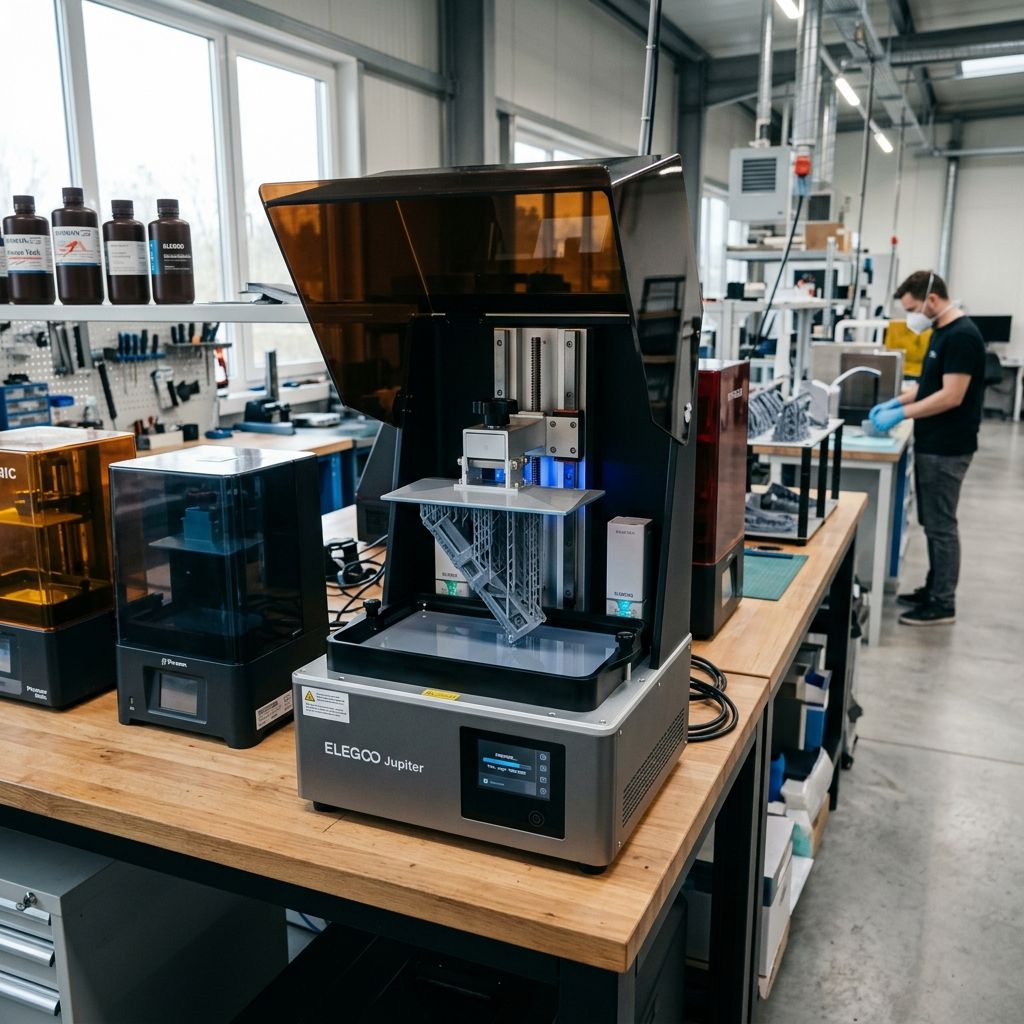
Anycubic Photon Mono M5: Field Troubleshooting and Mechanical Reality
The 12K marketing sticker on the Photon Mono M5 makes for a great brochure, but in a dusty workshop or a high-throughput production environment, those 19-micron pixels don't mean a thing if your Z-axis is shimmying or your ACF film is fighting physics. We've pushed several of these units through 500-hour cycles to see where the plastic meets the resin.
Technical Core Specifications
- XY Resolution: 19 x 24 microns (11520 x 5120 px)
- Build Volume: 218 x 123 x 200 mm
- Release Film: ACF (Acid-resistant Composite Film)
- Z-Axis: Dual Linear Rails with T-shape Lead Screw
- Light Source: Matrix UV LED Adsorption
- Typical Layer Cure: 1.5s - 3.5s (Resin dependent)
Failure Point 1: The "Leveling-Free" Illusion and Build Plate Tramming
Anycubic ships the M5 as a "leveling-free" machine. In my experience, "leveling-free" is a marketing term for "we tightened the bolts at the factory and hope the delivery guy didn't drop the box." The build plate utilizes a spring-loaded internal mechanism intended to compensate for minor offsets. However, the physics of suction force on a 10.1-inch screen are unforgiving. If the plate is off by even 0.05mm across its diagonal, you'll see the dreaded "corner lift" or total plate failure on large cross-section prints.
The internal spring-loaded floating bracket is prone to sticking. If resin drips into the ball-joint or the tension springs, it cures, locking the plate in a non-parallel state. I've had to tear down three of these heads because a single drop of "standard grey" turned a self-leveling feature into a fixed-angle nightmare. You'll know this is happening when one side of your raft is paper-thin and the other is a chunky block of over-cured waste.
Pro-Tip: The Manual Tramming Hack
If your "leveling-free" M5 is consistently failing on the left side, ignore the manual. Loosen the four screws on the side of the build plate cantilever. Place a sheet of 200gsm paper over the LCD. Lower the plate to Z=0 manually. Apply firm, even downward pressure on the center of the handle while re-tightening the bolts in a cross-pattern (Top-Left, Bottom-Right, etc.). You are essentially overriding the factory "auto-level" to achieve true mechanical tramming.
Failure Point 2: ACF Film Fatigue and Surface "Orange Peel"
The M5 uses ACF (Acid-resistant Composite Film) instead of traditional FEP or nFEP (PFA). ACF is designed for speed; it has a slightly textured matte surface that reduces suction force, allowing for faster lift speeds. The trade-off and it's a big one is visual clarity. Because the film is slightly diffuse, that 12K resolution is partially offset by light diffraction. If you're seeing a slight "frosting" or "orange peel" texture on your vertical walls, that's the ACF talking.
The physics of failure here involves micro-tears. ACF is less elastic than FEP. While FEP stretches like a drumhead, ACF acts more like a stiff membrane. Under high-speed settings (lift speeds over 8mm/s), the "release pop" creates localized vacuum pockets. I've seen ACF films develop "stress whitening" after only 2,000 layers. Once that whitening occurs, UV light scatters even further, ruining your tolerances. You'll think your exposure is wrong, but it's actually the film's molecular structure breaking down.
Sub-Component Analysis: The Z-Axis Lead Screw and Lubrication Slop
The M5 uses a standard T-type lead screw coupled with dual linear rails. On paper, dual rails eliminate "Z-wobble." In reality, the quality of the brass nut used on the lead screw is where the slop lives. We've measured up to 0.03mm of backlash on new units. This isn't much for a hobbyist, but if you're printing interlocking mechanical parts, it's the difference between a fit and a fail.
The factory grease is often a low-viscosity lithium that migrates away from the contact points after 50 hours of use. When the lead screw runs dry, you get "stick-slip" friction. This manifests as horizontal lines (Z-banding) that appear at regular intervals. It's not a software glitch; it's the motor fighting the friction of the nut before it finally "jumps" into position.
Maintenance Workflow: The 100-Hour Tune-Up
Don't wait for a failure. Run this sequence every 100 print hours to keep the 12K precision from degrading into a 4K mess.
- Lead Screw Degreasing: Use IPA and a lint-free cloth to remove all factory grease. Look for fine metal shavings a sign of nut misalignment.
- Re-Lubrication: Apply a high-quality PTFE-based grease (like Super Lube). Run the Z-axis from top to bottom three times to distribute.
- Rail Inspection: Wipe the linear rails. If you see black residue, the carriage bearings are wearing. Apply a thin coat of sewing machine oil.
- VAT Bolt Tension: Check the 14+ screws holding the ACF film. They loosen over time due to the vibration of the build plate's "pop." Don't over-torque, but ensure they are snug.
Failure Point 3: Thermal Soak and LCD Mask Degradation
The 12K mono screen is a dense piece of hardware. Pushing high-intensity UV light through a screen with such small pixels generates significant heat. In a warm shop (above 30°C), the M5 can suffer from thermal soak. The LCD is a liquid crystal sandwich; heat causes these crystals to lose their ability to fully block light. This results in "ghosting" or thin skins of cured resin appearing in the negative spaces of your models.
The M5's internal cooling fan is mediocre. It pulls air from the bottom and exhausts it out the back, but the airflow path around the actual LCD mask is restricted. If you're running 24/7, the center of the screen will eventually develop a "burnt" spot where the polarizers have cooked. I've found that units running in enclosures without active ventilation fail 40% faster than those in open-air, climate-controlled environments.
Troubleshooting Matrix: Field Scenarios
| Symptom | Likely Root Cause | The Field Fix |
|---|---|---|
| Delamination at the middle of the print | Lift speed too high for ACF elasticity | Reduce lift speed to 2mm/s for the first 5mm of lift. |
| Crunching sound during Z-homing | Resin in the homing sensor or plate slop | Clean the optical endstop with a Q-tip and IPA; check plate bolts. |
| File not recognized via USB | Format error or EM interference | Use a 16GB USB 2.0 drive formatted to FAT32; avoid 3.0 drives. |
| Random "holes" in the print | Dead pixels or cured debris in the VAT | Run a "Screen Detection" test; filter resin through a 190-micron mesh. |
The Physics of Suction: Why Your Raft is Failing
Let's talk about the "Release Pop." When the M5 lifts the build plate, the resin between the cured layer and the ACF film is under immense negative pressure. With a 10.1-inch screen, that surface area is massive. If you haven't dialed in your "Wait Time Before Lift" or "Rest Time After Retract," you are asking for trouble. The resin needs time to stop moving (viscous stabilization) before you blast it with UV. If the resin is still flowing when the LEDs turn on, you get "light bleed" and soft edges.
In my workshop, we use a "Rest Time After Retract" of at least 1.0 seconds. This allows the resin which has the consistency of cold syrup to settle into the microscopic gap. For the M5's ACF film, the release is more abrupt than FEP. This means you need a two-stage lift. A slow initial lift (1-2mm/s) to break the vacuum, followed by a faster lift to clear the vat. If you try to "yank" the print off the ACF at 8mm/s from the start, you will eventually pull the film right out of the gasket or snap the supports on your model.
Material Warning: Resin Temperature Matters
I've seen more "failed" M5 units that were actually just cold. Resin viscosity doubles for every 5-10 degree drop in temperature. If your shop is 18°C (64°F), the resin won't flow back under the plate fast enough. This leads to "dry prints" or partial voids. Use a vat heater or a space heater to keep the resin at a steady 25°C-30°C. Your "12K precision" depends on the resin's ability to flow into 19-micron gaps.
Technical Alternatives and Field Modifications
If you find the ACF film's matte finish is ruining your optical clarity for clear resins, you can swap it for standard nFEP (PFA). However, you must recalibrate your entire print profile. nFEP has a much higher "stretch" factor. You will need to increase your lift height from the default 6-8mm to at least 10mm to ensure the print actually detaches from the film in the center of the vat. If you don't increase the lift height, the film will stay stuck to the print even when the gantry thinks it's clear, leading to a "pancake" failure on the next layer.
Another common modification is the "Solder-Lined VAT." For industrial users running abrasive resins (like ceramic-filled or carbon-fiber reinforced), the plastic VATs Anycubic sometimes uses in their lower tiers are a joke. The M5 usually comes with a metal VAT, but check yours. If it's plastic, replace it with the aluminum aftermarket version immediately. Plastic VATs flex under the tension of the ACF film, which causes the leveling to shift during the print.
The Firmware & App Skepticism
Anycubic's cloud integration and "Smart App" features are, in my professional opinion, a secondary concern to mechanical stability. The WiFi antenna on the M5 is notoriously weak. If your printer is more than 10 meters from the router or behind a metal shop door, expect dropped connections. I've had three prints fail because the "Cloud Upload" corrupted the file mid-transfer. Stick to the USB drive. It's "old school," but a physical connection doesn't care about your router's firmware updates.
Also, watch the "Auto-Device Check" feature. The M5 performs a self-test of the LCD and motor. It's useful, but it's not infallible. It can't detect a loose lead screw or a slightly stretched film. It only checks for electrical continuity and endstop triggers. Don't let the "All Systems OK" message lull you into skipping your visual inspections.
Mind the resin sensor. The M5 includes a "Resin Detection" feature to warn you if you're running low. It works via a capacitive probe. If you use highly conductive or specialized "engineering" resins, the sensor can get confused and give false positives. Keep the probe clean. If it gets a film of cured resin on it, it's useless. I usually disable it for long-run production and just overfill the VAT, but that's a choice based on not wanting a false alarm to kill a 15-hour print at 3:00 AM.
Keep an eye on the four corner bolts of the VAT. If they aren't tightened with equal torque, you can actually twist the VAT frame slightly. This induces a "wave" in the ACF film, making it impossible to get a consistent first layer across the entire 10-inch span. Tighten them like you would a car tire diagonally and in stages.
Related Intel
Anycubic Photon Mono M7 Max and M5s Pro Review
An in-depth engineering review of Anycubic Photon Mono M7 Max and M5s Pro resin 3D printers, analyzing 14K optics, ACF peel physics, and Z-axis cantilever rigidity.
UniFormation GKTwo 12K Review and Comparison
The UniFormation GKTwo 12K combines a 29.7 µm 10.3-inch LCD with an integrated PTC vat heater and quick-release hardware, solving cold-resin failures in production workshops.
Common Elegoo Mars 5 and Mars 5 Ultra Issues
Learn how to fix common Elegoo Mars 5 and Mars 5 Ultra issues: tilt mechanism binding from resin contamination, force sensor leveling failures, and release film fatigue. Includes step-by-step rebuild workflows.