Rollo Wireless Label Printer: Workbench Assessment

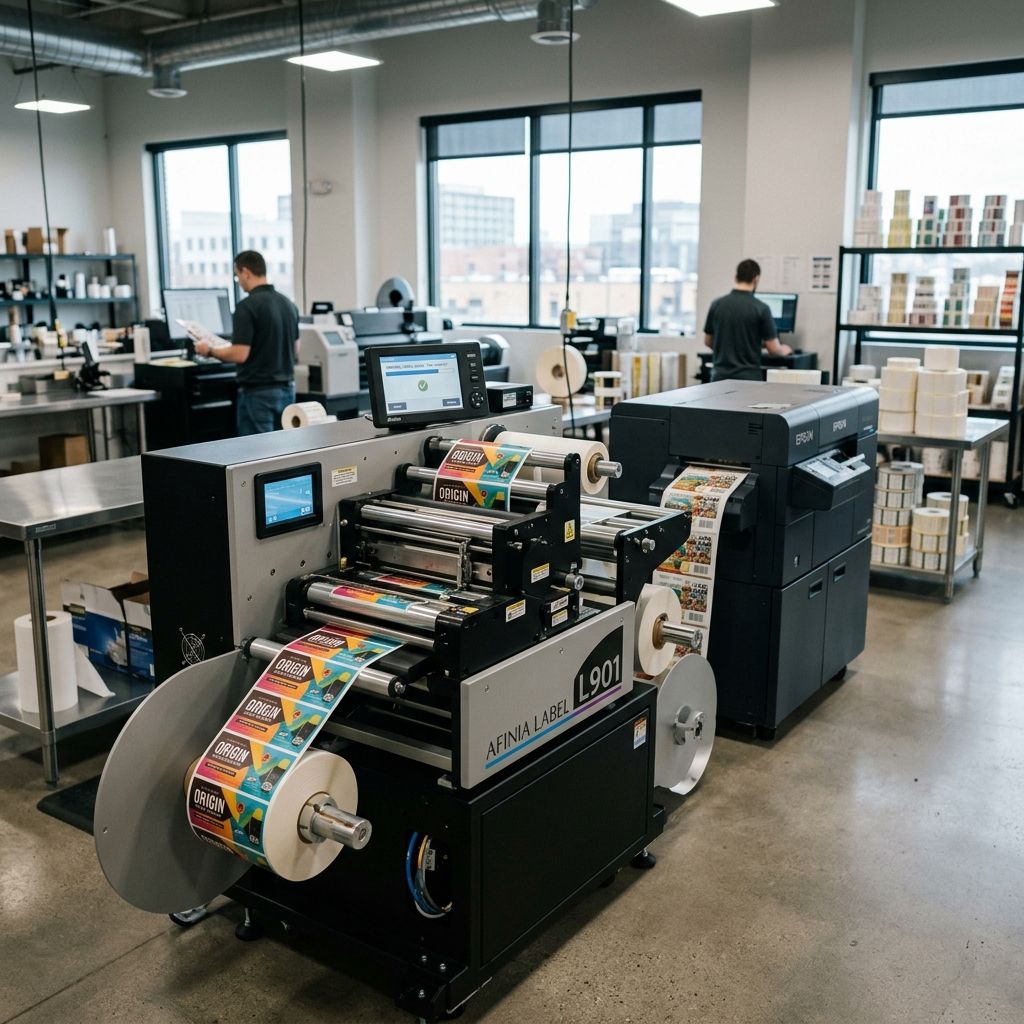
Rollo Wireless Label Printer: Workbench Assessment
Direct thermal printing hardware evaluated under heavy fulfillment cycles: thermal dissipation thresholds, stepper drive torque, Wi-Fi buffer latency, and long-term printhead wear.
Market Position & Architectural Summary
The Rollo Wireless Direct Thermal Printer occupies a distinct transition zone between light-duty desktop consumer labelers and steel-chassis industrial engines from Zebra or TSC. Built around a 203 DPI line-contact ceramic thermal printhead, a 24V DC stepper drive, and an integrated dual-band 2.4/5 GHz wireless transceiver, it targets high-velocity e-commerce packing benches and fabrication workshops. While its clamshell plastic chassis omits internal roll containment in favor of an external fan-fold feed path, its mechanical simplicity reduces paper path jams. Evaluate fulfillment operational expenditures alongside consumables using our Cost Calculator.
Chassis Architecture and Mechanical Component Analysis
Opening the Rollo Wireless reveals a straightforward mechanical layout that favors rapid field servicing over armored shielding. The chassis uses an injection-molded ABS-polycarbonate blend with a wall thickness varying between 2.2 mm and 2.8 mm. Unlike pressed-steel industrial printers that can absorb forklift knocks or heavy steel tool drops, this plastic casing flexes under concentrated torsional stress. However, for a benchtop packing station or production dispatch table, the compact footprint measures just 195 mm × 75 mm × 85 mm, taking up a fraction of the real estate consumed by an enterprise Zebra ZT411.
The platen roller assembly is driven by a single NEMA 14-equivalent bipolar stepper motor linked through an acetal (POM) reduction gear train. Gear teeth feature a 0.5 module pitch, offering acceptable backlash control without requiring an oil bath. Acetal gears run dry to prevent paper dust and adhesive bleed from forming an abrasive grinding paste. Over extended operation, the primary wear point on this drive train is the spur gear pressed onto the stepper output shaft. When operators pull labels through manually while the printhead latch is clamped down, the teeth can strip, resulting in stuttered feeding and distorted 1D barcodes.
The Physics of Direct Thermal Heat Dissipation
Direct thermal printing does not utilize ribbons or ink cartridges. Instead, it relies on a row of microscopic resistive heating elements embedded in a ceramic glaze substrate along the Thermal Print Head (TPH). As chemically treated direct thermal paper passes over the TPH, microsecond current pulses activate individual dots, heating the leuco dye layer on the paper beyond its activation threshold of 75 °C to 95 °C to turn it black.
Understanding the thermal limits of the Rollo printer requires examining the electrical energy and heat dissipation per micro-dot cycle. The printer features a standard resolution of 203 dots per inch (8 dots per millimeter), resulting in a printhead containing 832 individual resistive dots across its 104 mm nominal printing width.
The electrical energy E dissipated in a single resistive dot during one activation pulse is calculated as:
E_dot = (V² / R_dot) · t_pulse
Where:
- V = 24.0 V DC (Regulated power supply rail voltage)
- R_dot = 640 Ω (Nominal resistance of each micro-resistor heating element)
- t_pulse = 1.15 ms (Typical energizing pulse duration for standard grade top-coated thermal labels)
Calculating the power per active dot:
P_dot = (24.0 V)² / 640 Ω = 576 / 640 = 0.90 W
The energy per dot pulse is therefore:
E_dot = 0.90 W · 0.00115 s = 0.001035 J = 1.035 mJ
At the maximum rated linear feed rate of 150 mm/s (approx. 5.9 in/s), the platen roller moves the label forward at 150 mm/s. With 8 dots per millimeter, the printer must execute lines at a frequency f_line of:
f_line = 150 mm/s · 8 lines/mm = 1200 lines/second (1200 Hz)
Each line cycle has a total period of T = 1 / 1200 s = 833 µs. When printing a standard 4" × 6" (101.6 mm × 152.4 mm) shipping label, typical black pixel coverage (comprising 2D DataMatrix codes, Code 128 barcodes, shipping addresses, and dividing lines) averages roughly 18% of the total dot matrix area. With 832 dots along the head, the average number of simultaneously energized dots per active line is:
N_active = 832 · 0.18 ≈ 150 dots
The gross electrical power delivered to the printhead during active label generation equals:
P_average = N_active · P_dot · (t_pulse / T_line)
However, because the pulse width (1.15 ms) exceeds the theoretical line period at top speed, the firmware dynamically throttles velocity or splits dot strobe banks into three staggered phases. Assuming a strobe duty factor of 45% across active printing rows:
P_average = 150 dots · 0.90 W · 0.45 ≈ 60.75 W of continuous thermal dissipation.
The Rollo thermal head is mounted to a stamped aluminum backplate with an estimated thermal resistance to ambient air R_th = 0.85 °C/W. Without active cooling fans inside the compact housing, the steady-state temperature rise ΔT of the printhead heatsink assembly over a continuous run of 100 labels is:
ΔT = P_average · R_th · (1 - e^(-t / τ))
Where the thermal time constant τ of the aluminum block is roughly 42 seconds. During a back-to-back run lasting 120 seconds, the temperature rise approaches steady-state:
ΔT_steady ≈ 60.75 W · 0.85 °C/W · 0.94 ≈ 48.5 °C.
If the ambient workshop temperature is 24 °C, the internal heatsink quickly climbs to 72.5 °C. At this temperature, thermal soak begins bleeding into un-energized neighboring dots, causing fuzzy barcode edges and high-density 2D code scan failures. Once the internal thermistor registers 80 °C, the firmware initiates aggressive duty-cycle throttling, cutting print speed by 50% to allow passive radiant cooling.
Workshop Specs and Industrial Operating Parameters
The following technical table provides the electrical, mechanical, and operational parameters for the Rollo Wireless unit compared against industrial benchmark requirements:
| Parameter | Rollo Wireless Direct Thermal | Standard Light Industrial Spec | Heavy Duty Enterprise (e.g. ZT411) |
|---|---|---|---|
| Print Resolution | 203 DPI (8 dots/mm) | 203 DPI / 300 DPI | 203 / 300 / 600 DPI |
| Max Linear Speed | 150 mm/s (5.9 in/s) | 152 mm/s (6.0 in/s) | 356 mm/s (14.0 in/s) |
| Media Width Range | 40 mm to 104 mm | 25 mm to 108 mm | 25 mm to 114 mm |
| Printhead Lifespan | 50 km nominal paper travel | 50 km to 75 km | 100 km to 150 km |
| Platen Roller Durometer | 55 Shore A Polyurethane | 60 Shore A Nitrile Rubber | 65 Shore A Conductive Silicone |
| Wireless Protocol | Wi-Fi 802.11 b/g/n (2.4/5 GHz) + BLE | Wi-Fi 802.11 a/b/g/n/ac | Industrial Wi-Fi 6 + Ethernet 10/100/1000 |
| Input Power Voltage | 24V DC / 2.5A (External Brick) | 24V DC / 3.0A | 100-240V AC Internal Switching Supply |
| Continuous Duty Cycle | Up to 500 labels / hour recommended | 1,500 labels / hour | 24/7 Continuous Uninterrupted |
Field Reality: Pros, Cons, and Build Quality Nuances
Examining this unit through the lens of daily workshop fabrication and distribution reveals clear engineering trade-offs:
- PRO: Zero Consumable Waste: Pure direct thermal printing eliminates ribbon wrinkling, core misalignment, and spent ribbon disposal entirely.
- PRO: Automatic Media Detection: Optical sensor calibrates gap spacing and notch detection reliably with a single rear button hold.
- PRO: Compact Footprint: Absence of an internal spool bay keeps bench depth under 200 mm, leaving space for scales and tape dispensers.
- CON: External Media Susceptibility: Fan-fold label stacks sit exposed behind the machine, accumulating shop dust, metal shavings, and moisture.
- CON: Platen Roller Wear: Softer 55 Shore A polyurethane roller degrades rapidly if abrasive recycled kraft thermal paper is used continuously.
- CON: Wi-Fi Buffer Stalls: Low RAM allocation on the mainboard can drop packets during massive PDF print spooling over congested 2.4 GHz bands.
Thermal Head Wear and Chemical Contamination
The ceramic protective glaze over the TPH heating elements measures only 8 µm to 12 µm in thickness. Direct thermal labels are coated with chemical sensitisers, bisphenol or non-bisphenol color developers, and protective topcoats. When thermal paper drags over the printhead under tension, three degradation mechanisms occur simultaneously:
First, mechanical abrasion from paper fibers and filler minerals (such as calcium carbonate or clay coatings) physically thins the ceramic protective layer. Over millions of linear inches, this abrasion wears down the glaze until the micro-resistors are directly exposed to atmosphere, oxidizing and failing open-circuit. This produces characteristic white vertical streaks running through barcodes.
Second, adhesive bleed is a rampant workshop hazard. In budget labels stored in warm shipping containers, acrylic adhesive can migrate through the liner edges. As these sticky edges cross the hot printhead, molten adhesive deposits on the line of heating dots. Burned adhesive acts as a thermal insulator, preventing heat from reaching the paper and causing patchy, illegible printouts.
Third, electrostatic discharge (ESD) will destroy individual heating elements. Unlike industrial printers equipped with grounded copper discharge brushes, light desktop units rely solely on platen roller grounding. In dry winter workshops with relative humidity below 25%, the friction between moving paper and synthetic rollers generates static charges exceeding 8 kV. Ensure the power supply ground pin is tied to true workshop earth.
Wireless Protocol, Latency, and Network Integration
The integration of Wi-Fi into the Rollo printer simplifies bench wiring, eliminating USB tethering to a dedicated desktop PC. Operators can trigger labels directly from tablets, mobile dispatch apps, or networked warehouse management systems. In commercial environments, adopting standardized hardware and tool organization keeps operations consistent. Review our notes on Deploying 3D Printing Tool Sets in Commercial Farms for practical shop-floor deployment guidelines.
However, the Wi-Fi architecture introduces latency variables that pure USB connections avoid. When sending rasterized 203 DPI bitmaps (which can reach 1.2 MB per full-size 4×6 graphic) across congested 2.4 GHz industrial WLAN channels, packet retransmissions cause noticeable pauses between labels. While a USB 2.0 cable fires the next label within 120 ms of the last feed, Wi-Fi spooling can lag by 1.5 to 3.2 seconds if the access point is balancing multiple IoT devices.
For high-throughput packing lines generating over 300 labels per shift, assign the printer a static IP on a dedicated 5 GHz SSID. Avoid roaming mesh nodes that induce packet drops mid-transmission.
Platen Maintenance, Calibration, and Cleaning Regimen
Maintaining print density and preventing expensive printhead replacement requires a disciplined maintenance routine. In our shop tests, neglected printheads failed at 18 km of paper travel, whereas identical units maintained with solvent cleaning reached 52 km before noticeable dot degradation occurred.
Clean the thermal printhead after every change of a 500-label fan-fold box, or at minimum every Friday afternoon. Use a lint-free swab saturated with 99.9% electronic-grade isopropyl alcohol (IPA). Never scrape the ceramic line with razor blades, screwdrivers, or brass brushes. Even a minor microscopic gouge in the ceramic glaze breaks the resistive track permanently, requiring a complete head assembly replacement.
Simultaneously, inspect the platen roller for residue build-up. If label adhesive has wrapped around the rubber roller, clean it with IPA while rotating the roller by hand. Never use acetone, petroleum solvents, or citrus-based degreasers on the platen roller; these chemicals leach plasticizers from the polyurethane, making the roller rock-hard and slick, which induces label slippage and barcode distortion.
Frequently Asked Questions
Why are my printed barcodes coming out faint or scanning inconsistently?
The printhead has accumulated burned adhesive or paper dust residue on the active ceramic line, or the print density setting in the driver is too low for the thermal activation energy of your specific label stock.
Can the Rollo Wireless printer operate without an active internet connection?
Yes, the printer functions over a local Wi-Fi intranet via AirPrint or raw IP socket printing (port 9100), as well as direct USB connection, requiring internet access only for initial cloud driver setup.
How do I stop white vertical lines from appearing across my shipping labels?
Clean the printhead with 99% isopropyl alcohol to remove stuck debris; if white lines persist on identical dot columns, those individual thermal resistive elements have burned out and the printhead must be replaced.
What is the maximum fan-fold label stack height that the feed mechanism can pull?
The stepper drive reliably pulls from fan-fold stacks up to 500 labels deep; taller stacks increase drag resistance, causing intermittent step loss and vertical compression of the printed image.
Critical Workshop Safety and Thermal Alert
Immediately after high-volume print runs, the internal ceramic printhead reaches surface temperatures exceeding 85 °C. Never touch the heating line with bare fingers immediately after opening the top latch. Skin oils will carbonize on the glass surface under heat, creating localized hotspots that induce thermal stress cracking across the resistor matrix. Allow the unit to cool for at least five minutes before cleaning.
Related Intel
Zebra ZD421 and ZD621 Shop-Floor Integration Guide
Deploying Zebra ZD421 and ZD621 desktop printers on the factory floor requires custom ZPL scripting, proper thermal head calibration, and durable ribbon selection to withstand industrial grime.
Choosing Ribbons and Labels for Zebra ZT610/ZT620
For durable labels on Zebra ZT610/ZT620, use resin ribbon with polyester or polyimide facestock. Wax-resin works for indoor uses; resin resists heat and chemicals.